5 Best AI Tools for Locksmith Businesses in 2026
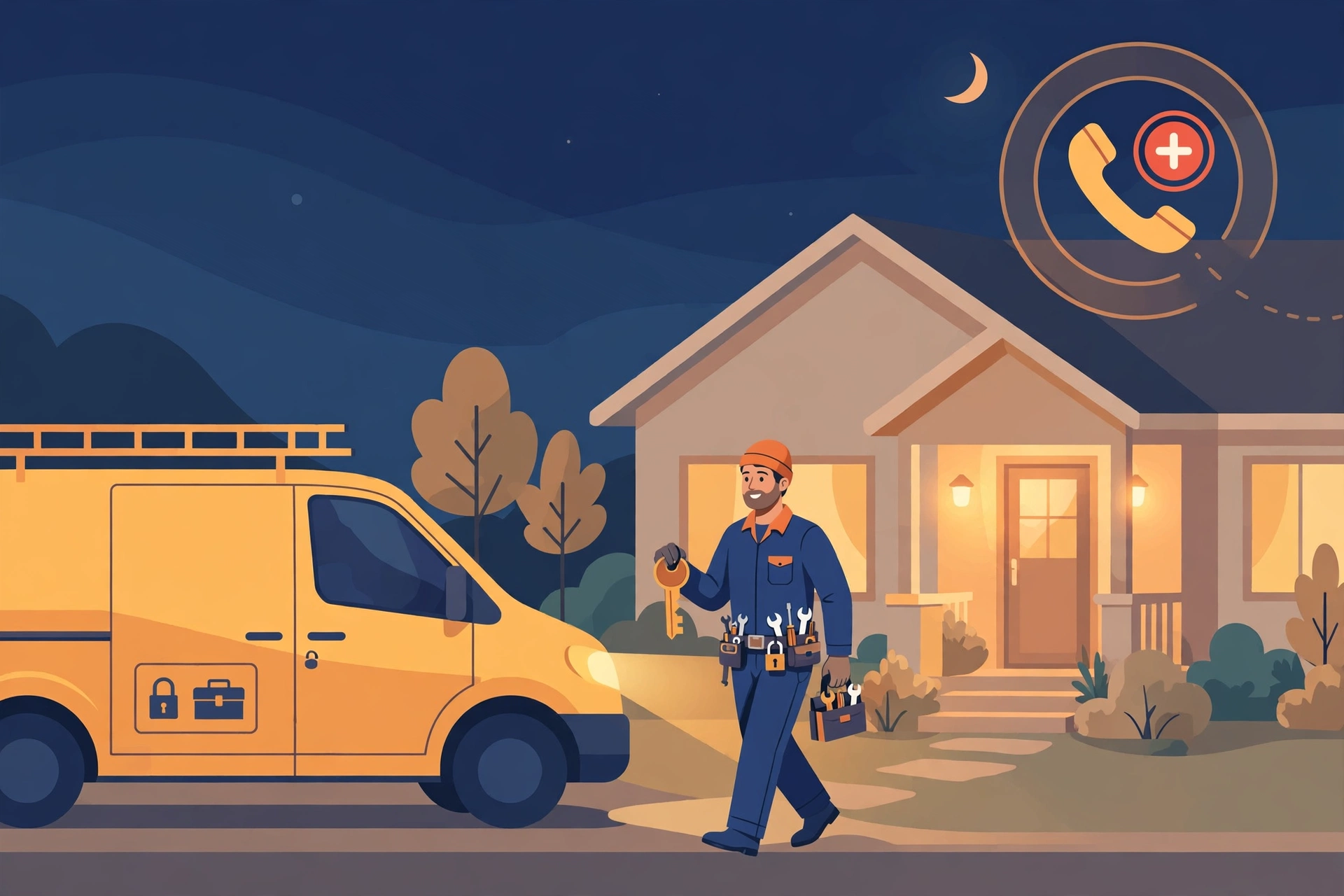
Nobody shops for a locksmith the way they shop for a plumber. A lockout customer is standing outside, often at night, calling the first three numbers Google shows them. Whoever answers first, sounds calm, and gives a straight price usually gets the job. That is why this list is ordered differently from a generic software roundup: answering speed comes first, dispatch second, and everything else after.
We ranked these five tools on emergency-call answering, dispatch speed, upfront quoting, review follow-up, and true cost for a one- to ten-person locksmith shop. Smith.ai is our top pick, because it answers around the clock with human backup. Goodcall is the best flat-rate alternative if per-call billing worries you.
Quick-pick summary table
| Tool | Best For | Starting Price | Free Tier |
|---|---|---|---|
| Smith.ai | Best emergency answering with human backup | $0 (AI Receptionist free tier, 25 calls/mo) | Yes |
| Goodcall | Best predictable flat-rate AI answering | $79/mo (Starter, 100 unique customers) | No |
| Jobber | Best quoting and scheduling for small shops | $49/mo (Core, 1 user, month-to-month; $29/mo billed annually) | No |
| Housecall Pro | Best dispatch and route tracking | $79/mo (Basic, 1 user, month-to-month; $59/mo billed annually) | No |
| ServiceTitan | Best for multi-tech locksmith firms | Quote only (no published price) | No |
Pricing checked against vendor pricing pages in November 2026; confirm before you buy, as SaaS prices change often.
1. Smith.ai — Best emergency answering with human backup
A lockout at 2 a.m. is not a voicemail situation. Smith.ai’s AI Receptionist answers 24/7, qualifies the caller — lockout, rekey, car key, safe — and books the job, escalating to a live North America-based agent when the call needs a human. That handoff matters for locksmiths more than for most trades: a panicked customer locked out with a child in the car should not be negotiating with a robot, and a commercial customer describing a master-key system needs a person taking notes.
Pricing: The AI Receptionist is free for 25 calls per month, then $3 per call. Pro is $150 per month for 75 calls, $270 for 150 calls, or $500 for 300 calls. Enterprise starts at $500 per month for 300 calls. The separate human virtual receptionist plans start at $300 per month for 30 calls, $810 for 90 calls, and $2,100 for 300 calls, with overage of $8.50 to $11.50 per call. Booking an appointment adds $1.50 per call on the human plans.
Pros:
- True 24/7 coverage, including nights, weekends, and holidays when lockouts spike.
- Human backup for the calls where tone matters more than speed — distressed customers and complex commercial jobs.
- Call recordings, transcripts, and summaries create a record of the price quoted, which prevents “you said $80” disputes.
- Free tier lets a solo locksmith prove the value on real emergency calls before paying.
Cons:
- Per-call billing means a stormy weekend of lockouts costs more than a quiet week; budget for your busy month, not your average one.
- Add-on fees, including the booking fee on human plans, lift the real bill above the headline plan price.
2. Goodcall — Best predictable flat-rate AI answering
If Smith.ai’s per-call math makes you nervous, Goodcall is the calmer alternative. It charges by unique customer per month, not by minute or by call, and minutes are unmetered — so a long, rambling lockout call costs the same as a short one. That predictability is genuinely useful for a locksmith: emergency calls run long, customers repeat themselves when stressed, and you do not want the meter running while someone explains which door they are locked out of.
Pricing: Starter is $79 per month for 100 unique customers, Growth is $129 per month for 500 unique customers, and Scale is $299 per month for 2,000 unique customers, all with unlimited minutes. Extra customers cost $0.79, $0.26, and $0.15 respectively by plan. Note: some third-party guides list Scale at $249 with 500 customers, reflecting an older plan structure; Goodcall’s own current figures are the $79/$129/$299 tiers above — confirm on its pricing page before buying.
Pros:
- Flat monthly bill with unmetered minutes, so long emergency calls never trigger a surprise charge.
- Per-unique-customer billing fits locksmiths well, since repeat callers are rarer than in, say, a salon — most callers are new.
- 24/7 answering with SMS follow-up links, so a caller who hangs up still gets a way back to you.
- No per-minute anxiety: the agent can take the time to get the address and lock type right.
Cons:
- English only, and it cannot port a number yet, so check that its number setup works with your existing business line.
- No human receptionist backup in the same way Smith.ai offers — if a call truly needs a person, the handoff options are thinner.
- The unique-customer cap can bite a shop running heavy advertising: 100 callers go fast in a busy month, so size the plan for peak season.
For a broader comparison of AI answering services, see our guide to the best AI receptionists for small business.
3. Jobber — Best quoting and scheduling for small shops
Once the phone is answered, the job still has to be quoted, scheduled, and paid for. Jobber is the best fit for a small locksmith shop because its quoting tools let you send a clear price range before you dispatch — “lockout service $75–$125 depending on lock type, confirmed on site” — and its automated reminders and follow-ups chase the rekey or lock-upgrade work that emergency calls often lead to. A customer you helped at midnight is a warm lead for a full rekey the following week, but only if someone follows up.
Pricing: Core starts at $49 per month for one user month-to-month, or $29 per month billed annually. Connect is $139 per month ($99 billed annually) and adds reminders, QuickBooks Online sync, and time tracking. Grow is $199 per month ($149 billed annually) and adds two-way SMS, job costing, and custom automations. Extra users cost $29 per month each on eligible plans, and card processing is 2.9% plus 30 cents per transaction.
Pros:
- Quotes with photos and line items make upfront pricing credible instead of a vague phone estimate.
- Automated reminders cut no-shows on scheduled rekeys and installations, the profitable work that is not an emergency.
- Two-way SMS on Grow lets a tech confirm arrival time and send a photo of the finished job.
- QuickBooks Online sync on Connect and above keeps emergency cash jobs and card payments reconciled.
Cons:
- Core lacks two-way texting and QuickBooks sync, so the realistic starting point for a working locksmith is Connect, not Core.
- Dispatch and GPS features are lighter than Housecall Pro’s, so a multi-van shop may outgrow it on routing alone.
4. Housecall Pro — Best dispatch and route tracking
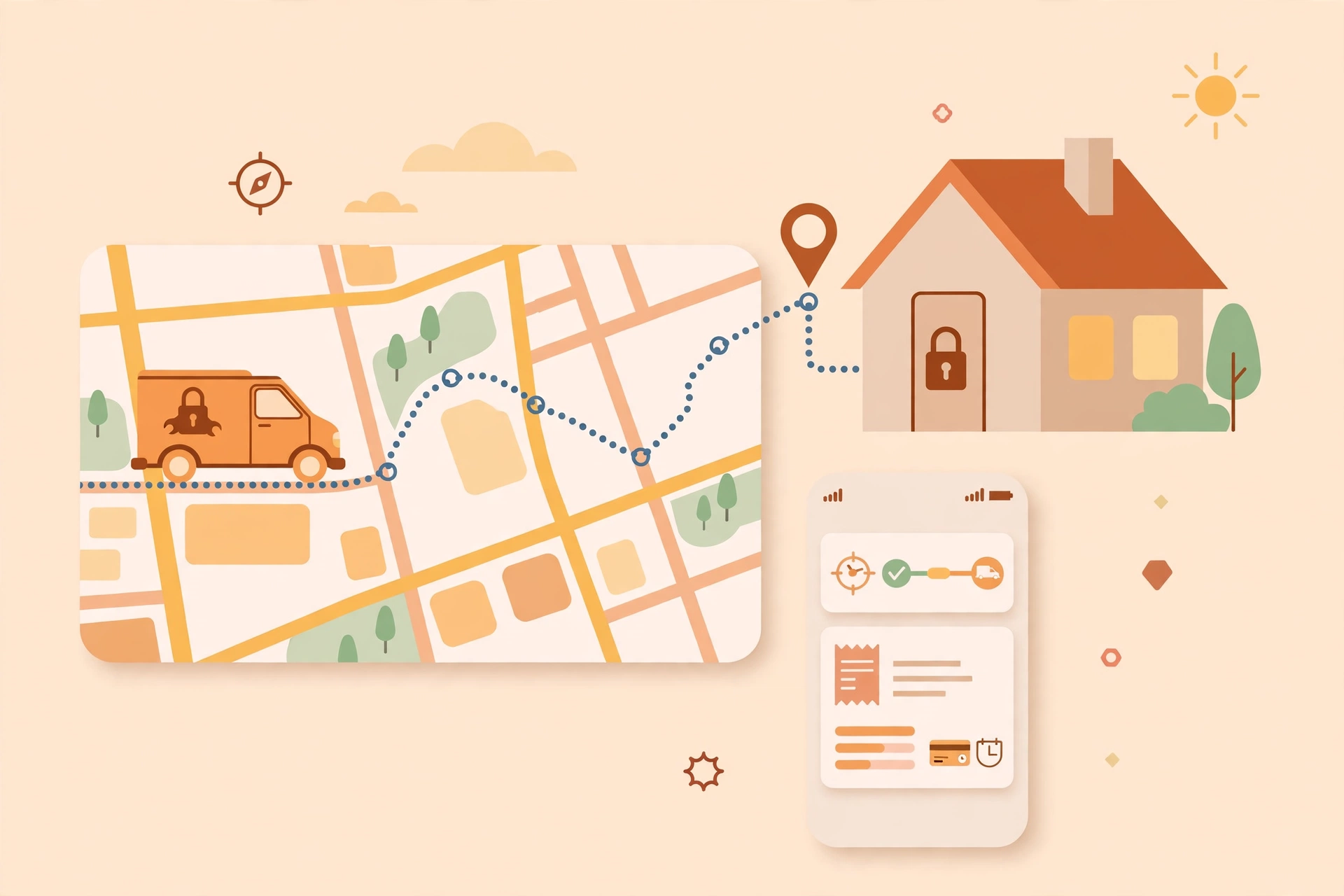
When two techs are out and a third emergency call comes in, the question is who is nearest and who is free — not who has been waiting longest. Housecall Pro’s Essentials plan adds routes and employee GPS tracking, and MAX adds full route optimization, so dispatch becomes a map decision instead of a guess. That is the difference between a 20-minute arrival that earns a five-star review and a 55-minute arrival that earns a complaint.
Pricing: Basic is $79 per month month-to-month ($59 billed annually) for one user, covering booking, scheduling, estimates, invoicing, and a price book. Essentials is $189 per month ($149 billed annually) for up to five users, adding routes, QuickBooks sync, flat-rate pricing, and employee GPS. MAX is $299 per month billed annually ($329 month-to-month) for eight users, adding route optimization, sales proposals, service plans, and open API access. A 14-day trial of MAX requires no credit card.
Pros:
- GPS tracking and routes give dispatchers the live picture an emergency business actually needs.
- Flat-rate pricing tools help you publish standard lockout, rekey, and car-key prices instead of improvising each quote.
- Online booking captures the non-emergency work — rekeys, smart-lock installs, commercial jobs — without a phone call.
- Consumer financing on MAX can help close higher-ticket commercial and safe work.
Cons:
- Extra-user pricing is steep on some plan versions (reported at $100 per month each beyond five on Essentials), so get your full crew cost in writing.
- The plan with real route optimization is MAX, so the cheapest tier will not solve your dispatch problem on its own.
The same dispatch logic drives our picks for plumbers and HVAC companies, where after-hours calls decide the job just as they do here.
5. ServiceTitan — Best for multi-tech locksmith firms
ServiceTitan is the heavyweight pick, and it is only the right pick at scale. Its dispatch, call booking, pricebook, marketing attribution, and reporting are deeper than anything else on this list, which is why large home-service firms run on it. For a locksmith company with several vans, a dispatcher, and commercial accounts, that depth pays. For a solo locksmith, it is overkill at a price that would swallow the business.
Pricing: ServiceTitan does not publish pricing. Its three packages — Starter, Essentials, and The Works — are all quote-only, priced per technician after a sales demo, typically on a 12-month-plus contract. Third-party reports put the range around $245–$500 per technician per month, with implementation fees reported between $5,000 and $50,000. Those are third-party estimates, not ServiceTitan’s figures, and your actual quote is the only number that matters. Do not budget from a blog post, including this one.
Pros:
- Deepest dispatch and capacity planning on this list, built for firms running many techs at once.
- Call booking and marketing attribution show which ads actually produce emergency jobs, not just clicks.
- Pricebook and membership tools suit firms selling maintenance plans to property managers and commercial clients.
- Reporting that a multi-van operation needs: revenue per tech, callback rates, and close rates by job type.
Cons:
- Quote-only pricing with a long sales process and a reported multi-week implementation — the opposite of a quick fix.
- Per-technician billing means every hire raises the bill, and Pro add-ons such as Marketing Pro and Dispatch Pro are sold separately.
- No free trial listed, and a 12-month minimum commitment is commonly reported, so a wrong choice is expensive to unwind.
How we picked
We weighted answering speed first, because a locksmith’s customer calls three shops and hires the one that picks up. Dispatch accuracy came second, upfront quoting third, and review follow-up fourth — an emergency customer helped fast is the likeliest reviewer you will ever have, but only if someone asks within a day. Price was judged on true cost at peak volume, not headline cost in a quiet month, which is why per-call and per-technician billing get called out rather than smoothed over. Pricing was checked against vendor pricing pages in November 2026; confirm before you buy.
Our verdict, stated plainly: buy answering before you buy anything else, and buy Smith.ai if you want a human safety net or Goodcall if you want a flat bill. Add Jobber when scheduled work — rekeys, installs, commercial jobs — starts competing with emergencies for your calendar. Move to Housecall Pro when dispatch guesswork costs you arrival times, and only consider ServiceTitan when you have a dispatcher and a multi-van fleet to justify it. The field-service comparison in our ServiceTitan vs Jobber vs Housecall Pro vs FieldEdge guide covers the same platforms at greater depth if you are weighing the jump to a bigger system.



0 comments