5 Best AI Tools for Journalists in 2026
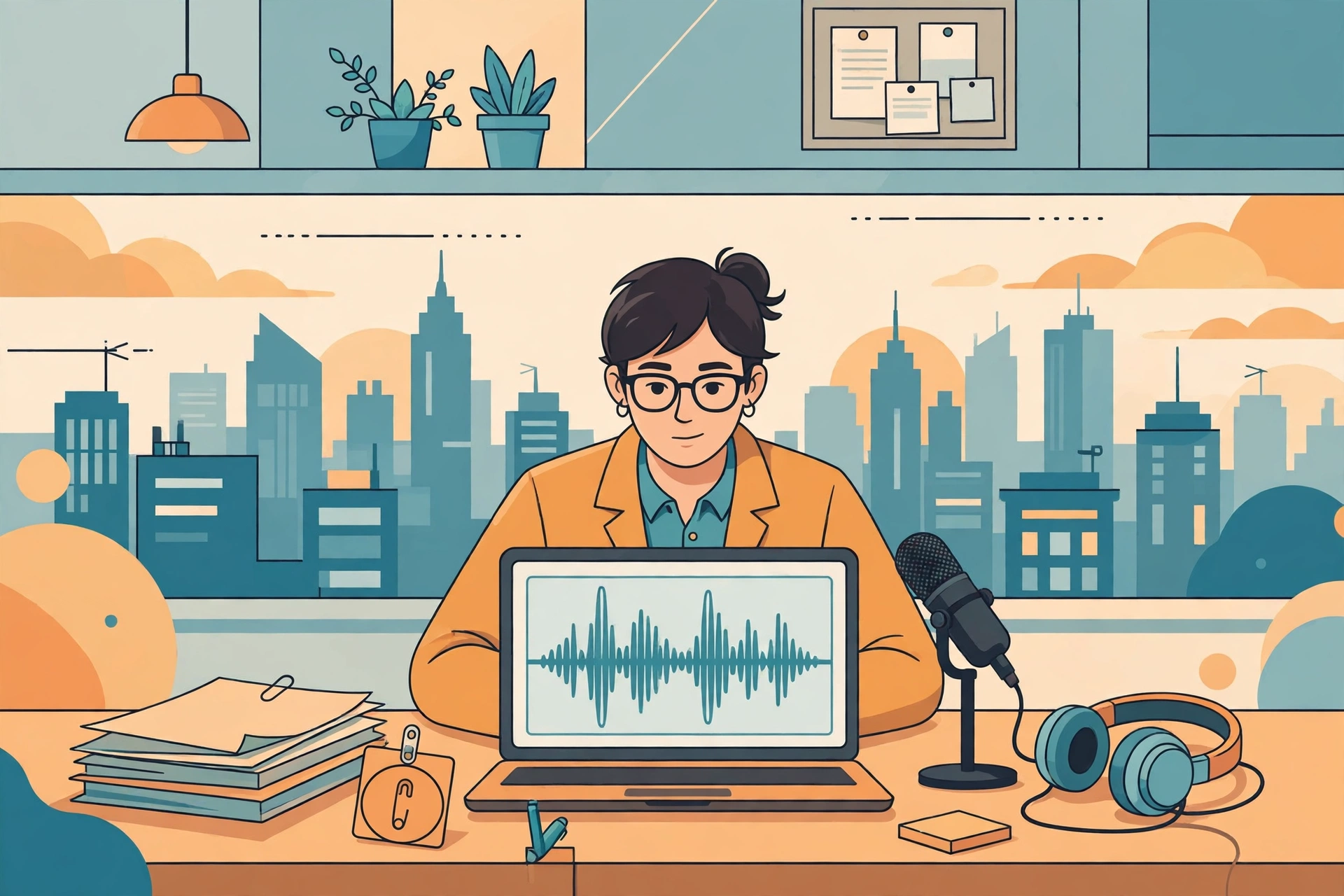
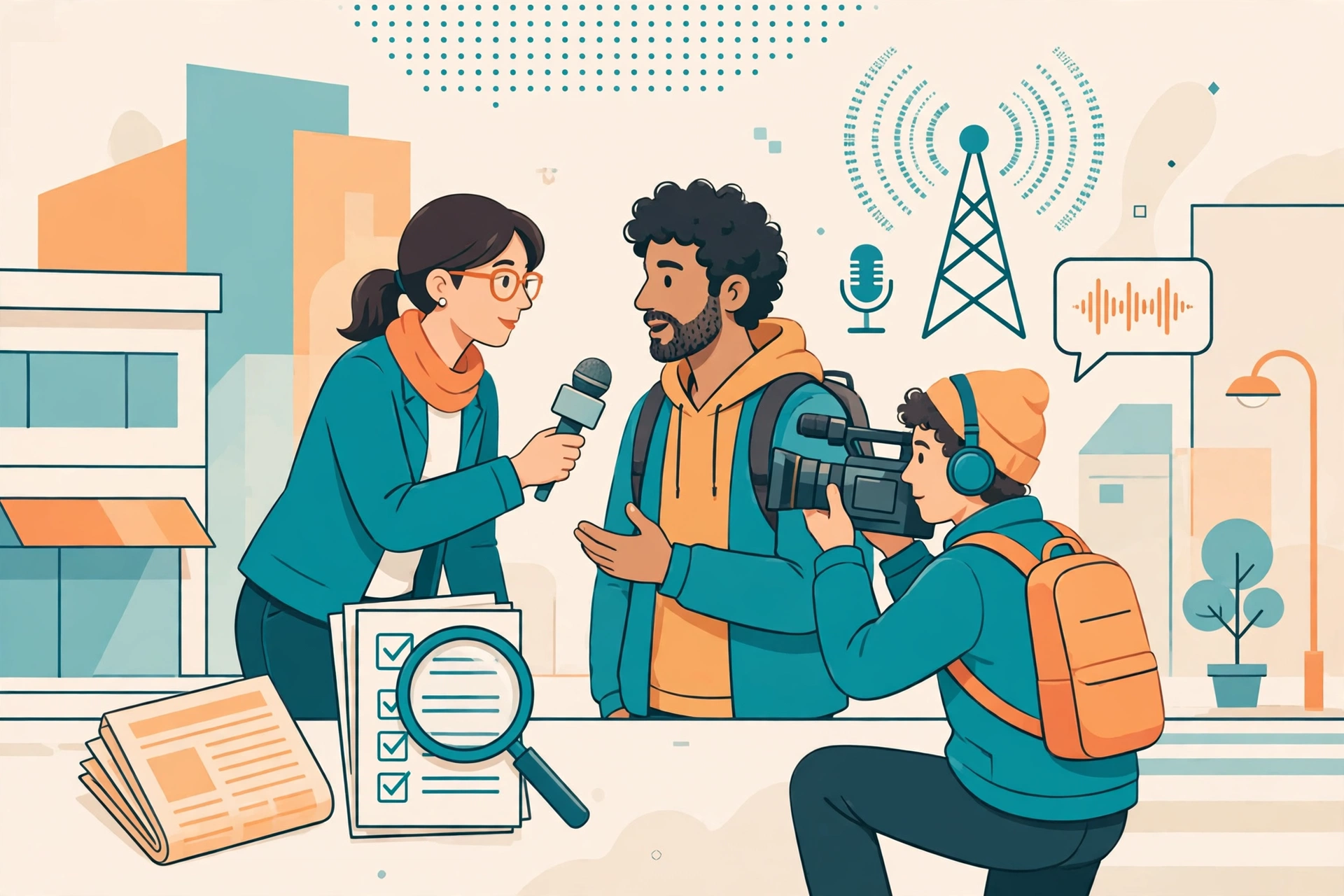
A reporter’s workflow has three choke points, and they have nothing to do with writing. First, the interview: an hour of audio that has to become searchable text before deadline. Second, the check: a claim in that transcript that has to be verified against documents, filings, or a second source before it can be printed. Third, the watch: the wire, the court docket, or the competitor’s story that moves while you are still transcribing. We scored each tool on transcription quality, verification and source-checking, and newswire monitoring — the three things that decide whether a journalist’s software saves hours or just adds another subscription. Our top pick is Trint, the newsroom standard for collaborative transcript work, from $79 per seat per month billed annually.
Quick-Pick Summary
| Tool | Best For | Starting Price | Free Tier |
|---|---|---|---|
| Trint | Newsrooms that live in transcripts | $79/seat/mo billed annually (Pro) | No (7-day trial) |
| Otter.ai | Live interviews and press conferences | $8.33/user/mo billed annually (Pro) | Yes (Basic, 300 min/mo) |
| Google Pinpoint | Free document research and verification | Free | Yes — free |
| Descript | Turning interviews into audio and video stories | $16/mo billed annually (Hobbyist) | Yes (1 hr transcription/mo) |
| Rev | Quotes that have to be exact enough to print | $0.25/min AI, $1.99/min human | Yes (45 AI min/mo) |
Pricing checked against vendor pricing pages and vendor-published guides in November 2026. Confirm before you buy — Trint’s older Starter tier still circulates in directories at $52 a seat, and Descript’s credit-based pricing rewards light users and punishes heavy ones.
At a Glance: How the Five Compare
| Feature | Trint | Otter.ai | Google Pinpoint | Descript | Rev |
|---|---|---|---|---|---|
| Starting price | $79/seat/mo billed annually | $8.33/user/mo billed annually | Free | $16/mo billed annually | $0.25/min AI |
| Transcription | Yes, unlimited fair use | Yes, live + file upload | Yes, 100+ languages | Yes, 10–30 media hours | Yes, AI or human |
| Searchable transcript archive | Yes, core strength | Yes, with AI chat | Yes, across collections | No | No |
| Verification / source-checking | No | No | Yes, fact-check integration | No | Human accuracy guarantee |
| Collaborative editing | Yes, shared drives | Limited | Yes, shared collections | Yes, multi-editor on Pro | No |
| Free tier | No | Yes, 300 min/mo | Yes | Yes, 1 hr/mo | Yes, 45 AI min/mo |
1. Trint — Best Overall for Newsrooms
Best for: Newsrooms and media teams that treat transcripts as a shared, searchable archive rather than a one-off file.
Trint is the newsroom standard for a reason: it was built for media professionals who live in transcripts. Upload hours of interviews and get searchable text back fast, then edit collaboratively — producers, fact-checkers, and editors working the same file, with changes tracked and quotes pulled straight from the transcript into the story. The search engine finds a quote across your entire archive. Transcription covers 50-plus languages, with translation into 70-plus.
The pricing is per seat and it is not cheap. Pro is $79 per seat per month billed annually ($100 month to month) for solo users, Team is $69 per seat per month billed annually ($90 month to month) for two to five people with shared drives and live collaboration, and Business is custom for larger teams, with single sign-on, API access, and a dedicated manager. There is no free plan — only a 7-day trial that transcribes the first five minutes of up to three files.
The honest limit is the solo reporter. Trint’s per-seat model means accuracy and collaboration cost enterprise money the moment you need them most, and a freelancer who interviews twice a month is paying for unlimited transcription they will never use.
Pricing: Pro $79 per seat per month billed annually ($100 month to month); Team $69 billed annually ($90 month to month) for 2–5 people; Business custom. Unlimited file transcription under fair use; 1 hour of live transcription per seat per month. 7-day trial only, no free plan.
Pros:
- Best collaborative transcript editing here — producers and fact-checkers in the same file
- Searchable archive: find a quote across every transcript the newsroom has ever made
- Unlimited fair-use transcription on paid plans, in 50-plus languages
- Built for media workflows, with newsroom integrations on Business
Cons:
- $79 a seat a month is the priciest entry here, with no free plan beyond a 7-day trial
- Per-seat pricing punishes solo reporters who interview infrequently
- No human transcription tier at any price — AI only
- The trial transcribes only the first five minutes of three files
2. Otter.ai — Best for Live Interviews
Best for: Reporters who need a live transcript running while the interview is still happening.
Otter.ai is the live-interview pick. It transcribes meetings and press conferences in real time, identifies speakers, and lets you ask its AI chat questions about the conversation — “what did the mayor say about the budget?” — without scrubbing through an hour of audio. File uploads work too.
The pricing is the most accessible here. Basic is free with 300 transcription minutes a month and 30-minute conversations. Pro is $16.99 per user per month, or $8.33 billed annually ($99.96 a year), with 1,200 minutes a month, 90-minute conversations, and 10 file imports a month — but a workspace caps at five billed users. Business is $30 per user per month, or $19.99 billed annually, with unlimited meetings, four-hour conversations, and up to 25 billed users. Enterprise is a custom quote. Students and teachers with a .edu address get 20% off Pro.
The honest limit is trust. Otter’s privacy policy allows training its AI on de-identified recordings and transcripts, and a federal judge let wiretap claims in a class action against the company go forward in August 2026. For a reporter working with sensitive sources, that is a real consideration — and a reason to keep Otter off the record for anything a source would not want on a vendor’s servers.
Pricing: Basic free (300 min/mo); Pro $16.99/user/mo or $8.33 billed annually; Business $30/user/mo or $19.99 billed annually; Enterprise custom quote. 20% off Pro for students and teachers.
Pros:
- Real-time transcription with speaker identification — file while the event is still running
- AI chat over the transcript answers questions about what was said
- Free Basic tier with 300 minutes a month is genuinely usable for occasional interviews
- Cheapest paid entry here at $8.33 a month on annual billing
- Business plan adds unlimited meetings and bulk export for busy desks
Cons:
- Privacy terms allow AI training on de-identified recordings; a pending wiretap class action is a real concern for sensitive sources
- Pro caps conversations at 90 minutes and workspaces at five billed users
- Accuracy is good, not best-in-class, on noisy or multi-speaker audio
- No human transcription option for quotes that must be exact
3. Google Pinpoint — Best Free Research and Verification
Best for: Investigative reporters and researchers drowning in documents who need to find the needle without paying for it.
Google Pinpoint is the only tool on this list built specifically for journalists, and it costs nothing. Part of Google’s Journalist Studio, it lets you upload up to 200,000 files per collection — PDFs, emails, scanned documents, handwritten notes, and audio or video up to two hours long — and makes all of it searchable. Optical character recognition turns scans into text, speech-to-text transcribes audio and video in more than 100 languages, and Google’s Knowledge Graph extracts people, organizations, and locations so you can filter a document dump by entity instead of keyword. Gemini-powered features summarize collections, generate timelines, and extract tabular data from PDFs straight into spreadsheets.
Since June 3, 2026, Pinpoint has been open to everyone, not just journalists and academics. Verified journalists and academics can request Pinpoint for Professionals, which raises storage to 100GB; other users start at 1GB. The fact-check integration is the feature that earns Pinpoint its place here: highlight any claim in a transcript or document and check it against Google Search, right inside the tool. Treat it as a first pass, not a verdict — generative AI fact-checking is inherently unreliable, and every important claim still needs independent confirmation.
The honest limits are audio quality and privacy. Pinpoint’s transcription has no speaker identification and no filler-word removal, and it struggles with noisy, multi-speaker audio compared with paid services. Google states uploaded documents are not used to train its commercial models, but human reviewers may process a sample of generative AI prompts, so sensitive or personally identifying material should not go into the AI chat.
Pricing: Free. Pinpoint for Professionals (verified journalists and academics) includes 100GB of storage; other users start at 1GB. Collections hold up to 200,000 files; audio and video files up to 2 hours and 8GB.
Pros:
- Completely free, with no per-minute charges and no monthly transcription limits
- Searches 200,000-file collections by entity, not just keyword, using Google’s Knowledge Graph
- Gemini summaries, timelines, and spreadsheet extraction from document dumps
- Built-in fact-check integration: highlight a claim, check it against Google Search
- Transcription in more than 100 languages, with clickable timestamps
Cons:
- No speaker identification and no filler-word removal in transcripts
- Weaker accuracy than paid services on noisy, multi-speaker audio
- Human reviewers may see a sample of AI prompts — keep sensitive material out of the chat
- Newer AI features are in beta in more than 80 countries and do not always work reliably
4. Descript — Best for Turning Interviews into Audio and Video Stories
Best for: Reporters and producers who publish audio and video, not just text — podcasters, video journalists, and documentary teams.
Descript is the only tool here that treats the transcript as the editing interface. Delete a sentence from the transcript and the audio or video cut follows; remove filler words with one click; clean up a phone-recorded interview with Studio Sound; clone a voice with Overdub to fix a flubbed line without re-recording.
The pricing changed in September 2025, when Descript replaced its transcription-hour model with media hours plus AI credits — and the headline prices only tell part of the story. As of November 2026, Hobbyist is $16 per month billed annually ($24 month to month) with 10 media hours and 400 AI credits a month, Creator is $24 billed annually ($35 month to month) with 30 media hours, 800 AI credits, and 4K export, and Business is $50 billed annually ($65 month to month).
The honest limit is the credit meter. Studio Sound, Eye Contact, and other AI features consume credits, and heavy users run out faster than the old hourly model suggested. A reporter who records two long interviews a week and cleans both will hit the Creator credit ceiling sooner than the 30-hour allowance implies.
Pricing: Free (1 hr transcription/mo, watermarked exports); Hobbyist $16/mo billed annually ($24 monthly); Creator $24 billed annually ($35 monthly); Business $50 billed annually ($65 monthly). Creator includes 30 media hours and 800 AI credits a month; extra transcription and AI minutes are billed per credit.
Pros:
- Edit audio and video by editing the transcript — the fastest interview-to-story workflow here
- Studio Sound rescues phone-recorded interviews that would otherwise be unusable
- Overdub voice cloning fixes a misspoken line without a re-record
- 4K watermark-free export from Creator up, with a full stock media library
- Free tier lets a reporter test the text-editing workflow on a real interview
Cons:
- The September 2025 credit overhaul makes heavy AI use cost more than the headline price
- Built for creators, not newsrooms — no collaborative transcript archive like Trint
- Transcription is a means to editing, not the product; pure transcription is cheaper elsewhere
- AI features consume credits fast, and the meter is hard to predict before you use it
5. Rev — Best for Quotes That Have to Be Exact
Best for: Reporters who need a transcript they can swear by — court reporting, legal investigations, and any quote where an error costs more than a dollar a minute.
Rev is the odd one out, and that is exactly why it is on this list. Rev lets you escalate any single file to an actual human: a professional transcriber, with a 99%-plus accuracy guarantee, back in 12 hours or less. AI transcription is $0.25 a minute pay as you go — $15 for an hour of audio — and human transcription starts at $1.99 a minute, or $119.40 for that same hour.
For a journalist, the use case is narrow and real. Most interviews go through the AI tier or a subscription — Essentials is $29.99 a seat a month ($25.49 billed annually) with 5,000 AI minutes a seat a month, Pro is $59.99 ($47.99 annually) with 10,000 verbatim AI minutes and 37-plus languages, and the free tier includes 45 AI minutes a month. The human tier is reserved for the one interview that decides the story: the whistleblower, the deposition, the quote that will be read back in court.
Pricing: AI transcription $0.25/min pay as you go; human transcription from $1.99/min (99%+ accuracy guaranteed, 12 hours or less). Subscriptions: Free (45 AI min/mo); Essentials $29.99/seat/mo ($25.49 billed annually); Pro $59.99/seat/mo ($47.99 billed annually). Add-ons: timestamps +$0.30/min, verbatim +$0.50/min, rush +$1.25/min, premium review +$1.75/min.
Pros:
- Only human transcription here, with a real 99%-plus accuracy guarantee
- AI tier at $0.25 a minute is straightforward pay-as-you-go with no subscription required
- Subscription AI allowances are huge — 5,000 to 10,000 minutes a seat a month
- 37-plus languages on Pro, with Spanish included on Essentials
- Rush delivery as fast as two hours for deadline work
Cons:
- Human transcription at $1.99 a minute is $119.40 an hour — unaffordable as a daily habit
- AI accuracy is mid-pack; the AI tier is not a bargain next to Otter or Pinpoint
- Add-ons (timestamps, verbatim, rush) stack quickly on the human tier
- No collaborative editing or searchable archive — it is a transcription service, not a newsroom system
How We Picked
We scored each tool on three things that decide whether a journalist’s software earns its keep: transcription quality, verification and source-checking, and newswire monitoring. Trint leads on transcription and collaboration at newsroom scale; Otter on live speed and price; Pinpoint on free verification depth; Descript on audio and video production; Rev on the human accuracy guarantee no AI tool here can match. Pricing was checked against vendor pricing pages and vendor-published guides in November 2026.
The verdict is ours, and it is the one we give every reporter who asks: match the billing model to your interview cadence before you compare features. If you interview daily, a subscription like Trint or Otter pays for itself in a week; if you interview twice a month, Rev’s pay-as-you-go AI at $0.25 a minute — or Pinpoint for free — costs less in a year than one month of Trint. The most expensive mistake in journalism software is buying transcription by the minute when you interview daily, and buying a subscription when you interview monthly.
If transcription is your whole workflow and you want the broader comparison, our guide to the best AI transcription software pits Otter, Rev, and Descript head to head. For the other half of a reporter’s job — finding sources and tracking coverage — our comparison of the best AI PR tools covers Muck Rack, Cision, and Prowly, including who tracks your brand in AI search answers. And for turning long documents into usable research, our guide to the best AI document assistants covers the tools that read the filing so you do not have to.
FAQ
What is the best AI tool for journalists?
For most newsrooms, Trint is the best pick: unlimited fair-use transcription, collaborative editing, and a searchable archive from $79 per seat per month billed annually. Solo reporters should start with Otter.ai at $8.33 a month, and anyone on a tight budget should use Google Pinpoint, which is free.
Is Google Pinpoint really free for journalists?
Yes. Google Pinpoint is free for everyone since June 2026, with no per-minute transcription charges and no monthly limits. Verified journalists and academics can request Pinpoint for Professionals, which raises storage to 100GB; other users start at 1GB. Collections hold up to 200,000 files.
How much does AI transcription cost for journalists?
Subscriptions run $8.33 a month for Otter Pro to $79 a seat for Trint Pro, both billed annually. Pay-as-you-go runs $0.25 a minute for Rev AI ($15 an hour); human transcription starts at $1.99 a minute ($119.40 an hour). Google Pinpoint is free. Match the model to your interview volume.
Can AI tools verify facts for journalists?
Partly. Google Pinpoint’s fact-check integration lets you highlight a claim and check it against Google Search, and its Gemini features summarize documents and extract data with links back to the source. But generative AI fact-checking is inherently unreliable — treat it as a first pass, not a verdict, and confirm every important claim against a primary source before you publish.
Is Otter.ai safe to use with confidential sources?
Be careful. Otter’s privacy policy allows AI training on de-identified recordings, and a federal judge let wiretap claims in a class action against the company proceed in August 2026. For sensitive sources, use Trint, Rev, or Pinpoint — or keep the recording off cloud transcription entirely.



1 comment