Airtable vs Smartsheet vs Notion: Best AI Work Management Tool in 2026
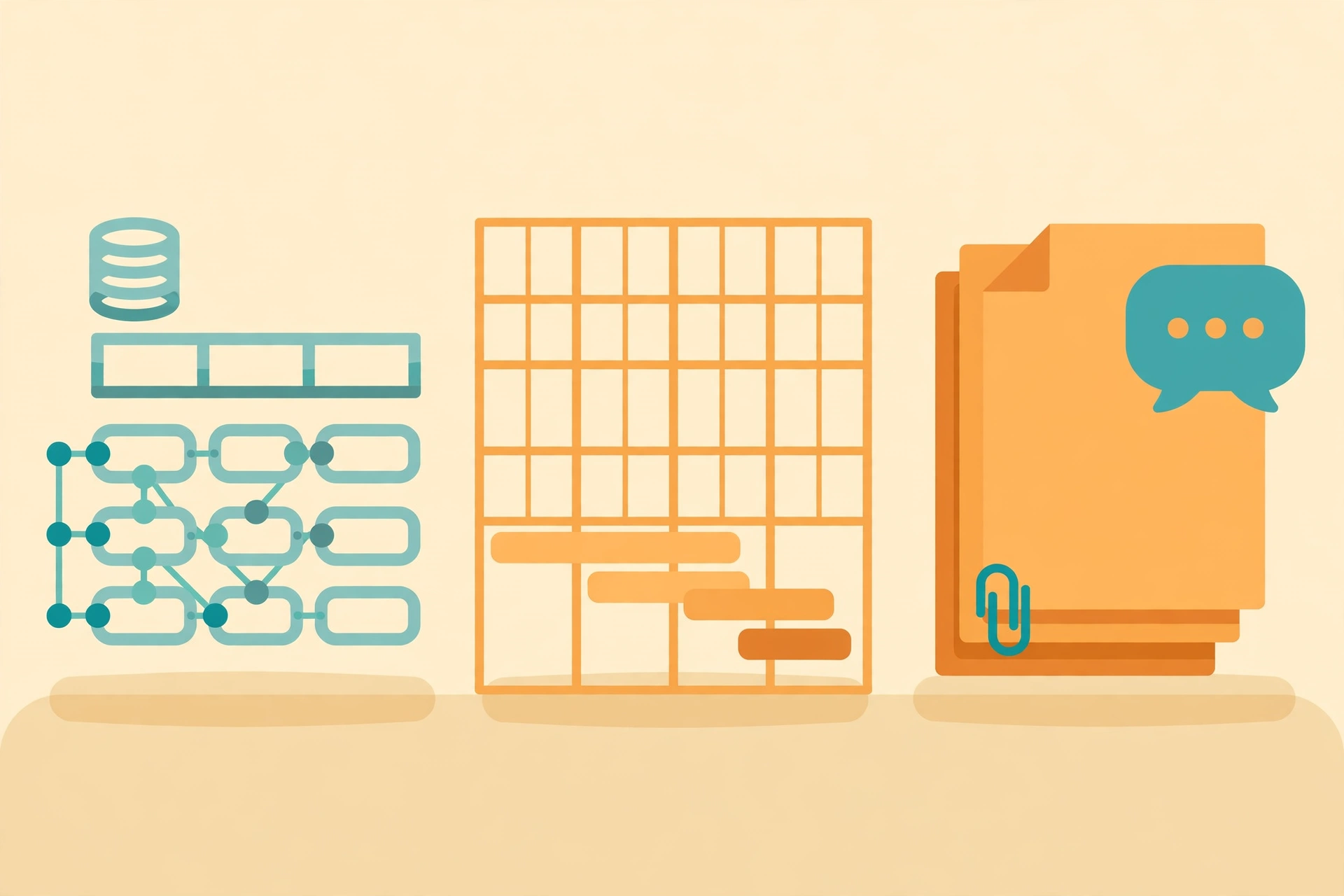
Airtable, Smartsheet, and Notion all claim to run your team’s work, but they start from three different places. Airtable is a relational database that happens to look friendly. Smartsheet is a spreadsheet that grew into a project platform. Notion is a docs workspace that added databases. That starting point decides more than the price does: it decides what your team can actually build, how painful reporting gets, and — in 2026 — where the AI lives and what it costs.
The AI question is the twist this year. Airtable now includes AI credits on every plan, including free. Notion bundles its full AI suite into the $20-a-month Business plan and nothing below it. Smartsheet reserves its real AI features for the custom-priced Enterprise tier. So the cheapest tool on paper can be the most expensive way to get AI, and the priciest seat can be the cheapest AI.

Quick verdict
If your work is connected data — projects linked to clients, campaigns linked to assets, hires linked to onboarding tasks — pick Airtable. If you run deadline-driven projects and need Gantt charts, baselines, and portfolio reporting, pick Smartsheet. If your team lives in docs and meeting notes and wants AI that reads the whole workspace, pick Notion — but budget for the Business plan, because Plus does not include full Notion AI.
At a glance
| Feature | Airtable | Smartsheet | Notion |
|---|---|---|---|
| Starting paid price | $20/user/mo (Team, annual) | $9/member/mo (Pro, annual) | $10/member/mo (Plus, annual) |
| Free tier | Yes (5 editors, 1,000 records/base) | No (30-day Business trial) | Yes (limited AI trial) |
| Core use case | Relational database for connected work | Spreadsheet-style project tracking | Docs and wiki with databases |
| Standout feature | Linked records, interfaces, Omni AI assistant | Gantt, baselines, portfolio reporting | Notion AI: Agent, meeting notes, workspace search |
| AI access | AI credits on every plan, incl. free | Full AI on Enterprise (custom price) | Full AI only on Business ($20/mo) |
| Gantt / dependencies | Gantt on Team; dependencies via linked records | Gantt on Pro; dependencies and baselines | Timeline view; no native dependency lines |
| Integrations | 100,000 API calls/mo on Team | Power BI, Tableau, Salesforce (higher tiers) | Slack, Google Drive, GitHub, Figma |
| Support | Priority support on Team | Standard; premium support on Enterprise | Priority support on Business |
Airtable — Best for linked data
Airtable is the only tool here where the database is the product rather than a feature bolted onto something else. A base is a set of tables, and records link across them: a project links to its client, its tasks, and its budget line, and a change in one place ripples everywhere. That is the whole pitch, and for teams whose work is genuinely connected — a content team tracking articles, authors, and publish dates, or an ops team tracking vendors, contracts, and renewals — nothing else in this trio matches it.
Pricing is published and stable: Free at $0, Team at $20 per user per month billed annually ($24 month-to-month), Business at $45 ($54 monthly), and Enterprise Scale by quote. Team lifts a base to 50,000 records, adds Gantt and Timeline views, the Interface Designer for building internal apps, and 25,000 automation runs a month. Business raises the caps to 125,000 records and 100,000 automation runs, and adds SAML SSO, two-way sync, and verified data.
The AI story is the best in this trio and the easiest to misread. Airtable removed its separate per-seat AI charge in June 2025 and now bundles AI credits into every plan: 500 credits per editor a month on Free, 15,000 per paid user on Team, and 20,000 on Business. Those credits power AI fields that summarize, categorize, and extract text, the Omni assistant that answers questions about a base, and AI field agents that work across apps. Extra credit packs start at $20 a month for 10,000 credits. The catch is the seat rule: on Team, collaborators with commenter permissions or higher are billable, while Business only bills editors — so a team with many light collaborators can pay less per head on Business than the seat price suggests, and more on Team than it expects.
Use it for: a content operations calendar where articles link to authors, briefs, and publish slots; a product launch tracker where features link to owners, milestones, and launch assets; a lightweight CRM where deals link to contacts, contracts, and renewal dates.
Pros:
- Linked records and rollups handle connected work no spreadsheet or doc tool can match
- AI credits included on every plan, including free — the most generous AI access here
- Interface Designer turns a base into a real internal app without code
- Gantt, Timeline, and Calendar views included from Team
Cons:
- Team bills commenters as seats, so the real headcount cost is higher than the headline
- Reporting and dashboards are weaker than Smartsheet’s
- $45-a-month Business is a steep jump for what is mostly higher caps and admin controls
Smartsheet — Best for Gantt and reporting
Smartsheet is a spreadsheet that learned project management properly. Every sheet is a grid with rows, columns, formulas, and attachments, and on top of that sit Gantt charts, card and calendar views, dependencies, and baselines that compare planned dates against actuals. For a team running construction schedules, marketing campaigns, or any portfolio where the question is “are we on track, and against what?”, Smartsheet’s reporting is the strongest of the three.
Pricing starts lowest here: Pro at $9 per member per month billed annually ($12 monthly), capped at 10 members, with unlimited sheets, Gantt views, 250 automation runs a month, and 20 GB of attachment storage. Business at $19 ($24 monthly) requires at least three members and removes the cap, adds unlimited automation runs, the Timeline view, workload tracking, baselines, activity logs, and 1 TB of storage. Enterprise is custom-priced for 10 or more members. There is no free plan — Smartsheet discontinued it in 2025 — though a 30-day trial of Business remains.
The AI story is the weakest in this trio, and it is the reason to read the plan page carefully before buying. Smartsheet’s full AI — AI formula generation, Smart Assist, Smart Columns, and Smart Summaries — is an Enterprise-plan feature. Some third-party pricing guides list AI tools on lower tiers, but Smartsheet’s own plan materials reserve AI formulas, text, and charts for Enterprise. Buy Pro or Business for the spreadsheet and the reporting, not for the AI. If AI-assisted work is a buying criterion, Smartsheet only delivers it at a negotiated Enterprise price, which makes it the most expensive AI in this comparison by a wide margin.
Use it for: a construction or events portfolio where every project needs a Gantt chart with dependencies and a baseline to measure slippage against; a marketing team tracking dozens of campaigns in one sheet with roll-up reporting; a PMO that needs workload views showing who is over capacity this quarter.
Pros:
- The best Gantt, dependencies, and baselines in this trio, from the $9 Pro plan
- Portfolio reporting and workload tracking that Notion and Airtable cannot match
- Familiar spreadsheet interface — new users need almost no training
- Unlimited free viewers and contributors on every paid plan
Cons:
- Full AI is gated behind custom-priced Enterprise; Pro and Business buyers get essentially no AI
- No free plan, and Pro caps at 10 members
- The interface feels dated next to Notion, and the learning curve steepens fast once you add automations and reports
Notion — Best for docs and workspace AI
Notion is a docs workspace first and a work tracker second. Pages nest inside pages, databases sit inside pages, and the whole company wiki, meeting notes, and project tracker can live in one place. That is genuinely different from the other two: in Airtable and Smartsheet, the work is the data; in Notion, the work is the writing around the data. For a team whose projects are mostly documents, decisions, and discussions, that is the right shape.
Pricing is simple: Free at $0, Plus at $10 per member per month billed annually ($12 monthly), Business at $20 ($24 monthly), and Enterprise by quote. The AI pricing changed in May 2025, and it matters more than the seat price: Notion retired its standalone $10-a-month AI add-on and bundled the full AI suite into Business. Free and Plus get only a limited trial of Notion AI. So a team that wants AI pays $20 a seat, full stop — there is no way to buy Plus at $10 and add AI a la carte anymore.
What that $20 buys is the most capable workspace AI of the three. Notion AI writes and edits, answers questions across the whole workspace, takes meeting notes and turns them into action items, searches connected apps, and — on Business — runs AI Agents that can work through multi-step tasks. The catch is scope: Notion AI only operates inside Notion. If your workflow spans a CRM, a spreadsheet tool, and a design platform, it cannot reach them without an external automation layer.
On the project side, Notion’s databases support relations and rollups much like Airtable’s, and the Timeline view shows work on a calendar. But there are no native dependency lines: you can link a task to its predecessor with a relation, but nothing shifts the schedule when a date slips. For deadline-driven work with real dependencies, that is a genuine gap, and it is the main reason Notion loses the Gantt comparison.
Use it for: a team wiki where project pages, meeting notes, and decisions live next to the tracker; a content team that drafts, reviews, and publishes from the same workspace; a startup that wants one tool for docs, notes, and light project tracking instead of three.
Pros:
- Full Notion AI on Business is the most capable workspace AI here — agents, meeting notes, cross-workspace search
- Docs, wiki, and databases in one place; no separate tool for the writing around the work
- The most flexible, pleasant interface of the three, and the easiest to shape to a team’s habits
- Huge template library and community
Cons:
- Full AI requires the $20 Business plan — Plus buyers get only a trial, and the AI add-on is gone
- No native dependency lines or baselines; Timeline is a view, not a scheduling engine
- Performance slows on large databases, and offline support is limited
Head-to-head
Linked records and connected data
Airtable wins outright. Linked records, lookups, and rollups are its core model, and every view, automation, and interface builds on them. Notion’s relations and rollups are capable but slower and less reliable at scale, and they sit inside a docs tool rather than a database. Smartsheet is last: its cells can reference other sheets, but cross-sheet linking is clumsy compared with a real relational model, and it was never designed for connected data.
Gantt charts and dependencies
Smartsheet wins outright. Gantt views, dependency types, critical path, and baselines are available from the $9 Pro plan, and the reporting layer is built for portfolios. Airtable is a credible second: Gantt arrives on Team, and dependencies work through linked records, though setting them up takes more effort. Notion is last — Timeline shows dates, but with no dependency lines and no baselines, a slipped date stays a slipped date until someone notices.
Where the AI actually lives
Airtable wins on access, Notion wins on capability, Smartsheet loses on both. Airtable puts AI credits on every plan, so a free user can try AI fields and a Team user gets 15,000 credits a month. Notion’s AI is the most powerful — agents, meeting notes, workspace-wide search — but it costs a $20 Business seat, and there is no cheaper route. Smartsheet’s full AI is Enterprise-only, which means most buyers in this comparison will never see it. If AI is the reason you are buying, cross Smartsheet off the list unless you are already budgeting for Enterprise.
Price-to-value for a 10-person team
The headline prices converge fast. Ten seats cost $200 a month on Airtable Team, $190 on Smartsheet Business, and $200 on Notion Business — all billed annually. Smartsheet Pro is the outlier at $90 a month, but it caps at 10 members and has no AI and no workload tracking. The real difference is what the money buys: Airtable Team includes AI credits and Gantt; Smartsheet Business includes workload tracking and baselines but no AI; Notion Business includes the full AI suite but no dependency management. Pick the capability, not the cheapest seat.
Final verdict
Buy Airtable if your work is connected data and you want AI included from the first paid seat — it is the only tool here where the database and the AI are both part of the base price. Buy Smartsheet if you run deadline-driven projects and need Gantt charts, dependencies, baselines, and portfolio reporting — and accept that you are buying it for the spreadsheet, not the AI. Buy Notion if your team lives in docs and meeting notes and you want the smartest workspace AI of the three — and budget for Business, because Plus without full AI is half the product.
For most small teams choosing among the three, Airtable Team at $20 a seat is the safest default: the AI is included, the Gantt views are there, and the linked-data model grows with the team. Notion Business is the pick for docs-heavy teams that will actually use the AI daily. Smartsheet is the specialist — the best project tracker here, and the worst AI buy.
How we compared
We scored the three tools on linked records, Gantt and dependency handling, where each tool’s AI actually lives, and price-to-value for a 10-person team, weighting the data model and the AI access highest — because those are the two things that are expensive to change after you commit. Pricing checked against the vendors’ pricing pages in November 2026; confirm before you buy. If you want the AI-workspace angle in more depth, our Notion AI vs Coda AI vs ClickUp Brain comparison covers it. For Smartsheet in a project-management trio, see our Monday.com vs Smartsheet vs Wrike breakdown, and for the AI planner angle, our Motion vs ClickUp vs Asana post compares three different approaches to AI scheduling.
FAQ
Which is better, Airtable or Notion?
It depends on what your work is made of. Airtable is better when your work is connected data — projects linked to clients, tasks linked to assets — because linked records and rollups are its core model. Notion is better when your work is mostly documents, meeting notes, and decisions, with tracking alongside. Airtable also includes AI credits on every plan; Notion’s full AI requires the $20-a-month Business plan.
Does Smartsheet have AI?
Yes, but only on the custom-priced Enterprise plan. Smartsheet’s AI features — AI formula generation, Smart Assist, Smart Columns, and Smart Summaries — are Enterprise-tier features. Pro ($9/member/mo) and Business ($19/member/mo) buyers should not count on AI access. Some third-party pricing guides list AI tools on lower tiers, but Smartsheet’s own plan materials reserve AI formulas, text, and charts for Enterprise.
Is Notion AI included in the Plus plan?
No. Plus ($10/member/mo) and Free include only a limited trial of Notion AI. Full Notion AI — the Agent, AI Meeting Notes, Enterprise Search, and model selection — comes with the Business plan at $20 per member per month billed annually. Notion retired its standalone $10 AI add-on in May 2025, so there is no way to add full AI to Plus.
Can Notion do Gantt charts and dependencies?
Partly. Notion’s Timeline view shows database items on a calendar, and relations can link a task to its predecessor. But Notion has no native dependency lines and no baselines, so a slipped date does not shift dependent tasks automatically. For deadline-driven work with real dependencies, Smartsheet or Airtable are the stronger picks.
How much does a 10-person team pay for each tool?
On annual billing: Airtable Team is $200 a month, Smartsheet Business is $190 a month, and Notion Business is $200 a month. Smartsheet Pro is cheaper at $90 a month but caps at 10 members and includes no AI or workload tracking. Remember the seat rules: Airtable Team bills commenters as seats, Smartsheet Business has a 3-member minimum, and Notion’s full AI only arrives at Business.



0 comments