Best AI Contract Review Tools for Small Business (2026)

If you run a small business, you’ve signed contracts you didn’t fully read. The vendor MSA with the auto-renewal clause. The client NDA with the one-sided indemnity. The freelance agreement where payment terms quietly shifted from net-30 to net-60. Every 2026 roundup of “AI contract review tools” will happily show you Ironclad and LinkSquares — then you request a demo and discover both are quote-only enterprise platforms, with Ironclad’s starting price listed at $15,000+ a year on Concord’s own comparison page. That’s not a tool a 12-person agency in Austin can buy.
This list deliberately skips the enterprise tier. Every tool below is one a small business can actually purchase: published pricing or per-seat quotes, self-serve trials, no procurement department required. We picked four tools with genuine AI review capability — redlining, risk flagging, clause extraction — not just e-signature wrappers. Our top pick is Spellbook: it lives inside Microsoft Word and redlines contracts like a junior associate who never sleeps, with a 7-day free trial so you can test it on your real documents.
Quick picks
| Tool | Best For | Starting Price | Free Tier |
|---|---|---|---|
| Spellbook | Deep AI redlining inside Microsoft Word | Custom quote, per user | No (7-day free trial) |
| PandaDoc | Budget-friendly contracts + e-signature | $19/seat/month (billed annually) | Yes |
| Concord | Teams managing the full contract lifecycle | $499/month (billed annually, 5 users) | No (free trial) |
| ContractWorks | Flat pricing with unlimited users | $700/month (billed annually) | No (free trial) |
1. Spellbook — best AI redlining for Word users
Best for: founders and operators who review contracts in Microsoft Word and want true AI redlining.
Spellbook is the most capable AI contract reviewer on this list, and it never asks you to change how you work. It’s a Word add-in — open the contract in Word, and Spellbook drafts clauses, suggests redlines, flags risky or unusual terms, and benchmarks your clauses against 2,000+ market standards. The clause benchmarking is the standout: it tells you whether an indemnification cap is market-standard or unusually aggressive, which is exactly the judgment call a small business owner can’t make alone. The redlines it suggests appear as tracked changes under your own name, and a bulk-approve feature lets you accept batches of suggestions at once — handy when a 40-page vendor agreement comes back with dozens of markups. One caveat from testing reports: occasional suggested clauses miss the mark, so treat Spellbook as a sharp junior reviewer, not the final word.
Spellbook doesn’t publish list pricing — you request a custom quote based on team size. That’s the one enterprise-y habit it kept. What keeps it in this list: pricing is per user, it scales down to small teams, and you get a 7-day free trial with no credit card games. On the security side, it holds SOC 2 Type II certification and zero-data-retention agreements with its AI providers, which matters when your contracts hold customer data.
Pros:
- Genuine AI redlining inside Microsoft Word — no new app to learn
- Benchmarks clauses against 2,000+ market standards
- Custom playbooks save your preferred positions for reuse
- SOC 2 Type II with zero data retention for sensitive contracts
Cons:
- No public pricing; you’ll need a sales conversation for a quote
- Word-centric — if your team lives in Google Docs or PDFs, it fits less well
2. PandaDoc — best budget pick for SMB contracts
Best for: small teams that need to send, sign, and lightly review contracts on a budget.
PandaDoc isn’t the deepest AI redliner here, but it’s the most buyable. The Starter plan is $19 per seat per month billed annually ($35 month-to-month), and there’s a genuinely free plan for light use. For that you get unlimited document uploads and e-signatures on paid plans, a drag-and-drop editor, real-time tracking, and an AI Document Assistant in the editor that helps draft and summarize. It also connects to CRMs like HubSpot and Salesforce on the $49/seat Business tier.
The honest trade-off: PandaDoc grew up as a proposal and sales-document tool, and it shows. AI features assist with drafting and document creation rather than adversarial redlining of a vendor’s MSA. If you want AI to scrutinize contracts, see our best AI proposal tools for freelancers and agencies comparison for the full breakdown of where PandaDoc’s strengths actually lie. And note that advanced features like redlining, bulk send, and some automations can cost extra on top of the headline seat price — confirm what’s included before you buy. For a solo founder or freelancer who mostly needs contracts out the door and signed, the free plan (up to five documents a month) may be all you ever need.
Pros:
- Real free plan plus the cheapest paid entry on this list ($19/seat/mo)
- Unlimited e-signatures on paid plans, 14-day free trial
- Strong templates, CRM integrations, and document analytics
- Easy onboarding — no training sessions required
Cons:
- AI leans toward drafting assistance, not deep risk analysis
- Redlining and some workflow features can require add-ons on top of the base price
3. Concord — best for teams outgrowing ad-hoc contracts
Best for: growing businesses that need one place to draft, negotiate, sign, and track every contract.
Concord is a full contract lifecycle platform aimed squarely at the gap between “contracts in a shared drive” and “six-figure enterprise CLM.” The Essentials plan is $499 per month billed annually and includes five users, unlimited documents, unlimited e-signatures, unlimited templates, negotiation tools, and deadline reminders. Its Agreement Intelligence AI extracts key terms automatically, flags risks, tracks obligations and renewals, and benchmarks clauses against industry standards.
Watch the seat math, though. Essentials covers five users; every additional user costs $49 per month on that tier ($69 on Business, $89 on Enterprise). A ten-person team on Business pays roughly $1,244 a month, not the $899 on the pricing page. For a solo founder or a two-person shop, that’s a steep jump from PandaDoc’s $19 seats. Concord earns its spot here because the pricing is published, the plans are real products rather than sales calls, and the AI extraction is genuinely useful — but price it for your actual headcount, not the headline number. The renewal and deadline reminders alone can pay for the plan: small businesses lose more money to silently auto-renewing vendor contracts than to any single bad clause.
Pros:
- Published, transparent pricing with unlimited documents and e-signatures
- AI extracts terms, flags risks, and tracks obligations and renewals
- Familiar interface — reviewers compare it to using Gmail
- Native e-signature means no separate DocuSign subscription
Cons:
- Per-user add-ons inflate the bill fast beyond the included seats
- $499/month entry is steep for very small or solo businesses
4. ContractWorks — best flat pricing (no per-seat bills)
Best for: businesses that want predictable contract management costs no matter how the team grows.
ContractWorks takes the opposite pricing approach from everyone else here: the Standard plan is $700 per month billed annually, and it covers unlimited users, 2,500 documents, and five e-signature licenses. Professional ($900/month) raises that to 10,000 documents, and there’s a higher tier (widely reported around $2,000/month) for unlimited documents and full redlining workflows. The math flips depending on your headcount — expensive for a three-person team next to PandaDoc, but a bargain once ten or fifteen people touch contracts.
The caveat: ContractWorks no longer publishes pricing on its own site, so the figures above come from third-party directories and reviewer reports rather than a price page you can screenshot. Features include smart document tagging, AI-driven contract outlines, OCR search, date alerts, and free implementation. It’s more of a repository-and-tracking system with AI assistance than a redlining specialist — think “know where every contract is and when it renews” rather than “negotiate this MSA.” That makes it the pick for the operator who inherited a shared drive full of unsigned PDFs and needs it under control by Friday. If clean books matter to you, pairing signed-contract tracking with one of the best AI bookkeeping tools for small business keeps both sides of the operation tidy.
Pros:
- Flat monthly rate with unlimited users — costs never grow with headcount
- 2,500 documents on the entry plan is generous
- Smart tagging, OCR search, and automatic date alerts
- Free implementation and a free trial
Cons:
- The vendor no longer publishes prices publicly — confirm your quote in writing
- AI is lighter (tagging, outlines) compared to true redlining tools
How we picked these tools
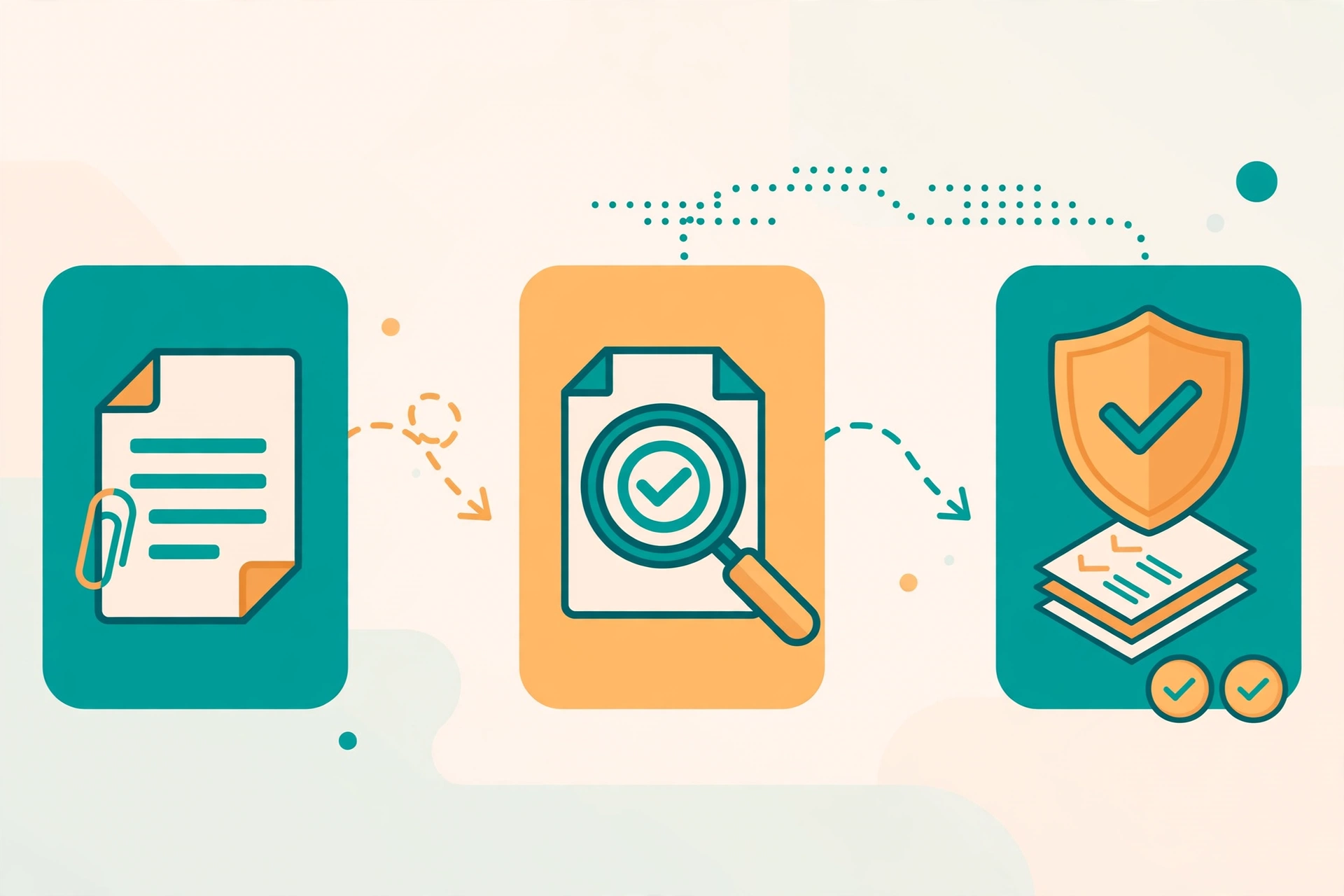
Four criteria, applied in order:
- Buyable by a small business. No quote-only enterprise tiers. Each tool here either publishes pricing or sells per-user licenses a small team can request directly. That’s why the usual roundup favorites — Ironclad, LinkSquares — are absent.
- Real AI review capability. We required AI that does more than store and sign: redlining, risk flagging, clause extraction, or obligation tracking.
- SMB onboarding. Self-serve trials, no mandatory implementation projects, no IT department required.
- Pricing checked recently. Pricing checked against the vendors’ pricing pages in October 2026; confirm before you buy. Spellbook and ContractWorks don’t publish list prices, so their figures are noted as quote-based or third-party reported.
Our verdict: if your main pain is negotiating contracts — counterparty MSAs, vendor agreements, partnership terms — Spellbook is the tool built for that job. If your main pain is processing contracts — sending, signing, tracking — PandaDoc at $19 a seat is the sane starting point. Concord and ContractWorks earn their keep once your contract volume or headcount makes ad-hoc handling painful; neither is worth the bill for a solo founder with five contracts a year. And whichever you pick, the ROI math is simple: one auto-renewal caught in time pays for a year of any tool on this list.
Frequently asked questions
Can an AI contract review tool replace a lawyer?
No — and no honest vendor claims it does. AI contract review catches the clauses most likely to hurt you (auto-renewals, one-sided indemnity, missing termination rights) and drafts first-pass redlines, so you spend lawyer time on judgment calls instead of first reads. For high-value or unusual contracts, still have an attorney review the final version.
How much should a small business spend on contract review software?
Between $19 and $700 a month depending on depth. PandaDoc’s Starter plan at $19 per seat per month covers sending and signing; Spellbook’s per-user pricing (quote-based, with a 7-day free trial) buys genuine AI redlining; Concord ($499/month) and ContractWorks ($700/month) buy full lifecycle management for teams that sign enough contracts to justify it.
What’s the difference between these tools and Ironclad or LinkSquares?
Ironclad and LinkSquares are enterprise contract lifecycle platforms sold through custom quotes — Concord’s own comparison page lists Ironclad’s starting price at $15,000+ a year. The tools on this list are the SMB-accessible tier: published pricing, per-seat or flat monthly rates, and trials you can start without a sales call.
Which of these tools works with contracts I already have in Word?
Spellbook is the natural fit — it’s a Word add-in, so your existing Word documents never leave the editor. Concord and ContractWorks can import existing documents (PDF and DOCX) into their repositories and apply AI extraction to them.
Is my contract data used to train AI models?
It depends on the vendor, and you should check the current policy before uploading anything sensitive. Spellbook advertises SOC 2 Type II certification with zero-data-retention agreements with its AI providers. As a rule, prefer vendors with published security documentation, and avoid pasting contracts into general-purpose chatbots that lack those guarantees.



3 comments