5 Best AI Video Dubbing Tools for Business in 2026
One video can reach a global audience — but only in one language. AI dubbing changed that math: translate the narration, synthesize a matching voice, regenerate the speaker’s lip movements, and ship captions, all without a recording studio. The market has matured fast, which means dubbing quality alone no longer separates these tools — every contender here produces passable dubs. What actually decides the buy is a split most roundups bury: real-footage lip-sync vs. audio-only dubbing, and the depth of the localization workflow around it (transcript translation, voice match, caption generation, review tools).
This is a video-localization roundup, not a voice roundup — if you want pure voice cloning, see our best AI voice cloning tools comparison. Our top pick is HeyGen: it is the most complete video-native option, with real lip-sync on your actual footage from the entry tier.
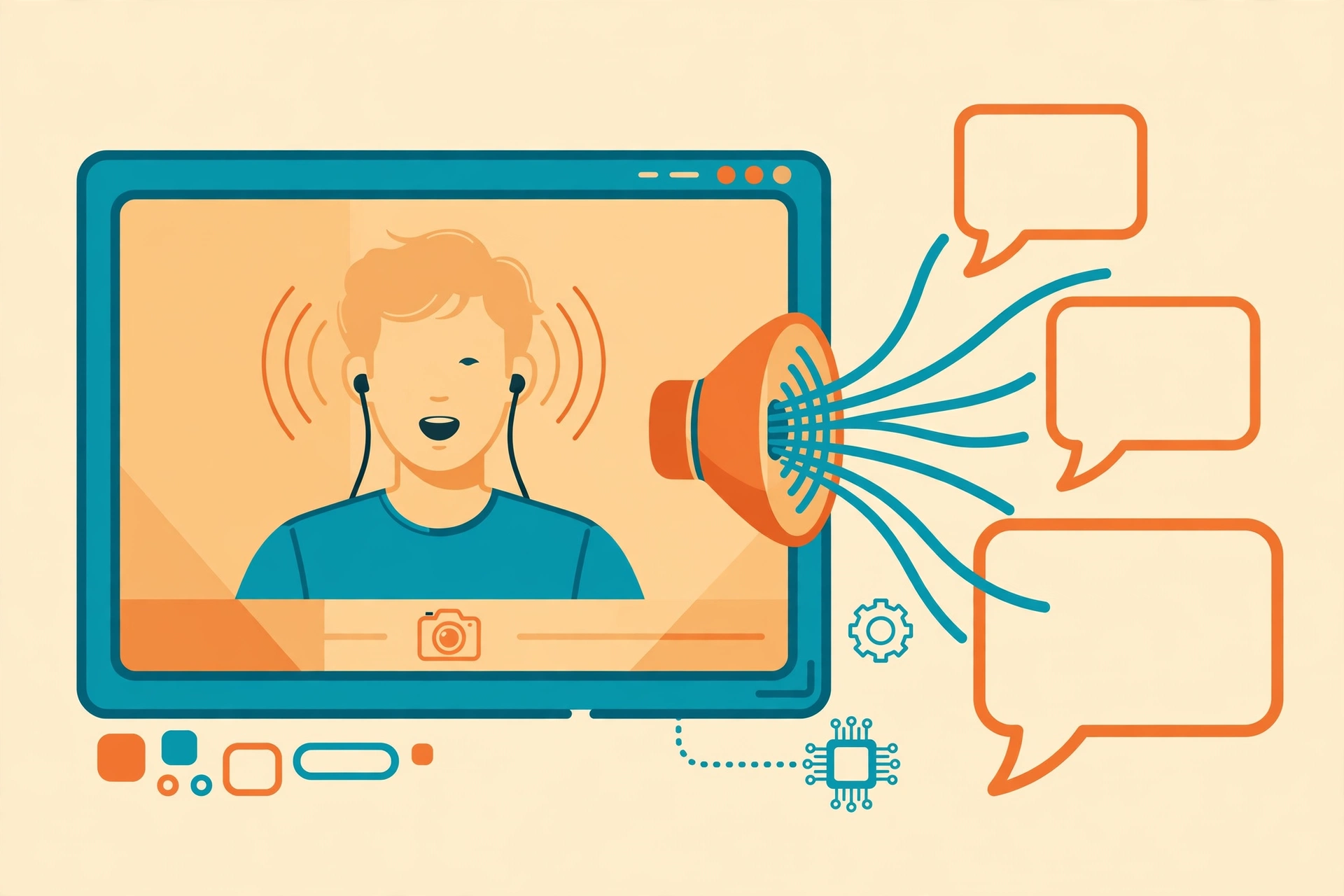
The 5 best AI video dubbing tools at a glance
| Tool | Best For | Starting Price | Free Tier |
|---|---|---|---|
| HeyGen | Real-footage lip-sync for marketers and creators | Creator $29/mo ($24/mo annual) | Yes — 3 videos/mo |
| ElevenLabs | Voice quality and audio-only dubbing | Starter $6/mo | Yes — 10k credits/mo |
| Rask AI | Dedicated dubbing platform for educators and creators | Creator $60/mo | Trial — 3 minutes one-time |
| Papercup | Enterprise/broadcast-grade managed dubbing | Custom quote | No |
| Synthesia | Enterprise training teams with LMS needs | Starter $29/mo ($18/mo annual) | Yes — 10 min/mo |
1. HeyGen — best real-footage lip-sync for marketers and creators
Best for: marketing teams and creators dubbing real footage where the speaker’s face is on camera.
HeyGen is the video-native pick: it dubs your actual footage into 175+ languages and regenerates lip movements to match the translated audio — on the entry plan, not a premium upsell. The localization workflow goes beyond the dub: a brand glossary locks in product terminology, a multilingual video player lets viewers switch languages inside one embed (handy for LMS integrations), and auto-captioning ships with every translation. Credits are shared across HeyGen’s avatar and translation features, so heavy avatar users should budget accordingly.
Pricing: Free tier covers 3 videos per month (watermarked, limited features). Creator is $29 per month ($24 per month billed annually) with 600 monthly credits — lip-synced dubbing costs 5 credits per minute (about 120 dubbed minutes) and audio-only costs 2 credits per minute. Pro is $49 per month (1,000 credits); Business is $149 per month plus $20 per extra seat (1,500 credits, SSO, SCORM export for LMS delivery).
Pros:
- Real lip-sync included from the entry tier — the core differentiator for face-on footage
- 175+ languages, the broadest coverage in this roundup
- Brand glossary and multilingual player included, not upsold
Cons:
- Does not preserve the original speaker’s voice — dubs use AI-generated voices, per third-party reviews
- Credits are shared with avatar generation, so dubbing capacity shrinks if you also make avatar videos
2. ElevenLabs — best voice quality and audio-only dubbing
Best for: podcasts, narrated videos, and screen recordings where voice realism matters more than lip movement.
ElevenLabs is the voice-quality king, and its Dubbing Studio brings that quality to localization: automatic dubbing in 90+ languages that clones each speaker’s voice (with multi-speaker detection), editable transcripts and translations, and background audio preserved underneath the dub. It is audio-only — there is no lip-sync in the dubbing product — which makes it ideal for narrated explainers, courses, and podcasts, and the wrong choice for talking-head footage. The credit math deserves attention: automatic dubbing consumes about 3,000 credits per minute on standard models (roughly 40 dubbed minutes on the Creator plan), the newer Dubbing v2 line is metered more steeply (Creator includes 9 v2 minutes), and every target language bills separately — a 10-minute video dubbed into three languages counts as 30 minutes of usage. Unused credits on paid plans roll over for up to two months, which softens the blow.
Pricing: Free plan: 10,000 credits per month (about 10 minutes of audio), no commercial license. Starter: $6 per month (30,000 credits) — the cheapest commercial license in the category, and it unlocks Dubbing Studio. Creator: $22 per month (121,000 credits; first month $11). Pro: $99 per month (600,000 credits). Scale ($299) and Business ($990) add seats and volume; Enterprise is custom with HIPAA BAAs. Annual billing is ten times the monthly price (two months free).
Pros:
- Best-in-class voice realism; dubs clone the original speaker rather than substituting a generic voice
- Multi-speaker detection handles interviews and conversations
- $6 Starter with a commercial license is the lowest-risk way to test paid dubbing
Cons:
- No lip-sync — audio-only dubbing looks wrong on face-on footage
- Per-target-language billing multiplies costs silently (3 languages = 3x the usage)
3. Rask AI — best dedicated dubbing platform for educators and creators
Best for: YouTubers, course creators, and educators localizing a steady stream of videos.
Rask AI is the purpose-built dubbing platform: 135+ languages, voice cloning in 32 languages, multi-speaker lip-sync, SRT upload and download, an AI script-adjustment tool, and a translation dictionary (Creator Pro and up) that keeps brand terminology consistent across videos. The unlimited editor is the standout workflow feature — apply transcript and timestamp changes for free instead of paying to re-render. Annual plans roll over unused minutes, a meaningful advantage for creators with variable output. The honest caveat is price: it is the most expensive self-serve option per minute here, and lip-sync consumes your minute allowance at a higher rate than standard dubbing (reviewers report roughly a 2–3x multiplier; Rask does not headline a single number, so confirm on the pricing page before budgeting).
Pricing: Free trial: 3 minutes, one-time. Creator: $60 per month (25 minutes per month). Creator Pro: $150 per month (100 minutes per month, plus lip-sync, SRT tools, translation dictionary, and voice cloning). Business: $750 per month (500 minutes, API access, batch processing). Enterprise is custom. Extra minutes run about $3 per minute on higher tiers.
Pros:
- Purpose-built dubbing workflow — transcript, voice, captions, and review in one place
- Voice cloning in 32 languages with multi-speaker lip-sync
- Unlimited free editor changes — no paying to fix a timestamp
Cons:
- Most expensive per-minute rate among self-serve tools
- Lip-sync and key workflow features are locked behind the $150 Creator Pro tier
4. Papercup — best enterprise and broadcast-grade managed dubbing
Best for: media companies, broadcasters, and enterprises where a mistranslation is a liability, not an embarrassment.
Papercup (now part of RWS, the enterprise localization group) is the odd one out here by design: a managed service, not a self-serve tool. Its AI voices carry prosody transfer — the emotion and cadence of the original speaker survive translation — and every project passes through human post-editing and expert review before delivery. That human-in-the-loop pipeline is why broadcasters and entertainment companies use it: the output is studio-grade, not “good enough for YouTube.” There is no public pricing and no self-serve plan; you buy through RWS’s enterprise sales flow with per-project quotes.
Pricing: Custom quote only, via RWS enterprise sales. No self-serve tier, no published per-minute rate.
Pros:
- Human post-editing and expert review on every project — the quality ceiling here
- Prosody transfer preserves the speaker’s emotion and cadence
- Built for entertainment and broadcast localization, with the compliance posture to match
Cons:
- Quote-only enterprise pricing — inaccessible to creators and small teams
- No self-serve option means slower turnaround than instant self-serve tools
5. Synthesia — best for enterprise training teams
Best for: L&D teams that need dubbing inside a governed training-video platform.
Synthesia is primarily an AI avatar video platform, but its AI Dubbing feature — included from the Starter plan — translates existing footage into 160+ languages with lip-sync, and one-click translation also localizes on-screen text. For enterprise training teams it has structural advantages: a multilingual player that auto-serves the viewer’s language, SCORM export and SSO on Enterprise, and a compliance stack (SOC 2 Type II, ISO 42001, GDPR with EU data residency) that is part of the product rather than a paid add-on. The trade-offs are real: minutes expire monthly with no rollover, each plan includes a single editor seat (a five-person L&D team effectively needs five subscriptions), and dubbing is a secondary feature inside an avatar-first platform — it is not the tool for creators.
Pricing: Basic is free (10 minutes per month, watermarked, no downloads). Starter: $29 per month ($18 per month billed annually) — about 10 minutes per month, AI dubbing included, downloads and logo removal. Creator: $89 per month ($64 per month billed annually) — more minutes, API access, interactive video. Enterprise is custom with unlimited minutes, SCORM, SSO, and brand kits.
Pros:
- Dubbing inside a complete, governed training-video platform
- Enterprise-grade compliance (SOC 2, ISO 42001, GDPR) without enterprise-only gating on the basics
- Multilingual player removes the per-language file management headache
Cons:
- Minutes expire monthly — no rollover, no mid-cycle top-ups
- One editor seat per plan; team costs multiply fast
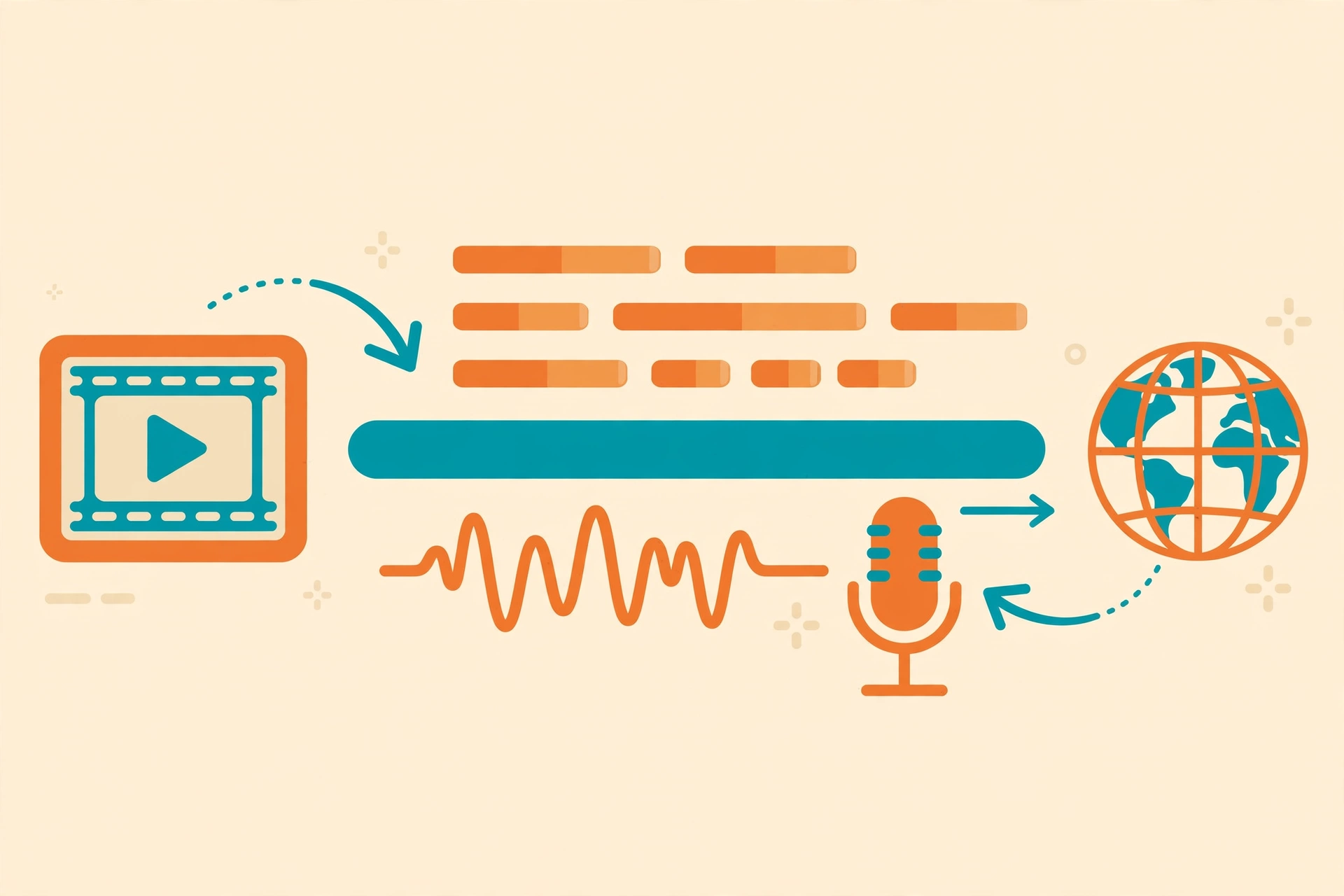
How we picked: workflow depth and lip-sync honesty, not dubbing demos
Every vendor demo sounds good, so we weighted what demos hide: whether lip-sync works on real footage (not just avatars), how deep the localization workflow runs (transcript translation → voice match → caption generation → review), and the honest per-minute economics including credit multipliers and per-language billing. That is why an audio-only tool with superb voices (ElevenLabs) and a quote-only managed service (Papercup) both rank above cheaper lip-sync tools with thin workflows — the right pick depends on your footage type and your tolerance for review work, not on a single demo clip.
Pricing was verified against the vendors’ pricing pages and current third-party pricing trackers in October 2026. Credit-based tools change their metering often — confirm the current per-minute math on the pricing page before you commit to a plan.
One operator’s opinion, stated plainly: audio-only dubbing on face-on talking-head footage is the single mistake that makes viewers distrust a video. If the speaker’s mouth is visible, pay for real lip-sync (HeyGen, Rask AI, Synthesia). If the footage is screen recordings, slides, or B-roll with narration, save the money — ElevenLabs’ audio-only dubbing will sound better and cost less. And if you create the videos yourself, start with our best AI video generators for YouTubers roundup, then localize the winners with the tools above.



0 comments