5 Best AI Tools for Breweries and Taprooms in 2026
A brewery runs two businesses under one roof: a factory that turns grain, hops, and yeast into beer, and a bar that sells it by the pint. Most software only understands one of them. Production tools track batches beautifully and know nothing about the taproom; taproom POS systems ring up pints beautifully and know nothing about what those pints cost. The gap between them is where margins disappear — a keg empties, nobody updates the spreadsheet, and the next brew day starts with a guess about what is actually in stock.
The tools below were scored on the loop, not the list: grain-to-glass inventory tracking, production scheduling and fermentation visibility, TTB reporting support, and whether taproom sales feed back into stock and costing. The winner is Ekos, because it is the only tool here that covers inventory, production, sales, and accounting in one system with a POS function, so a pint sold in the taproom depletes the batch it actually came from. Everything else here is excellent at half the loop, and the entries say honestly which half.
Quick-Pick Summary
| Tool | Best For | Starting Price | Free Tier |
|---|---|---|---|
| Ekos | Production + taproom in one system | Quote only (not published) | No |
| Beer30 | Production tracking at the lowest entry price | Beer30 Lite from $30/month; full version quote only | No |
| Fermentable | Small-brewery paperwork and TTB reports | $500/year reported by third-party directories | No |
| VicinityBrew | Formula-based batch manufacturing at scale | Tiered subscriptions reported at $500–$1,250 | No |
| Orchestrated Beer | Enterprise ERP, compliance, and distribution | Quote only (not published) | No |
Pricing checked against the vendors’ pricing pages in November 2026; confirm before you buy. Brewery software pricing is unusually opaque — two of these five vendors publish no prices at all — so where a figure comes only from a third-party directory, the entry says so plainly, and where pricing is quote-only, it says that too.
1. Ekos: Best Overall for Breweries and Taprooms
Ekos is the market leader in craft beverage management for a reason: it connects inventory, production, sales, and accounting in one centralized system, and it lists point of sale among its functions. That combination is what closes the loop. Raw materials are tracked into each batch, batches are tracked into finished inventory, and sales — including taproom sales — draw that inventory down, so cost of goods sold reflects what was actually poured rather than what a spreadsheet assumed. It also integrates with QuickBooks, Shopify, Square, and Xero, which matters because the taproom’s card reader and the brewery’s books should not be reconciled by hand at month end.
Pricing
Ekos does not publish pricing on its website. Its plans are named Essentials, Plus, and Pro, and pricing is negotiated per brewery based on users and features, according to third-party comparisons of the vendor’s own materials. Expect a quote process, not a checkout page, and budget for the fact that feature groups are sold in packages — adding a capability can mean stepping up a tier. For a brewery that wants one system rather than three, that is still the honest price of admission; for a nano-brewery on a shoestring, it is a reason to look at Beer30 Lite first.
Pros and cons
Pros:
- The only tool here that genuinely spans production, inventory, sales, accounting, and POS in one system
- Real-time visibility from raw materials through finished goods, with dashboards on cost of goods sold and sales trends
- Broad integrations with the accounting and commerce tools a taproom already uses
Cons:
- No published pricing: every brewery negotiates its own quote, and costs can rise as feature packages are added
- Packaged tiers mean you may pay for a feature group to get the one feature you need
- The breadth brings a learning curve; a two-person nano-brewery will use a fraction of it at first
2. Beer30: Best Production Tracking Value
Beer30 by The 5th Ingredient is the production specialist: a modular system that tracks data from grain to glass in real time, with tank scheduling, brew logs, fermentation tracking, inventory forecasting, and sales and distribution. Brewers enter process data on a phone or tablet as they work instead of filling in paper brew sheets at the end of the day, which is where consistency comes from. The headline here is Beer30 Lite, the streamlined version built for small breweries, which covers raw materials inventory, recipe formulation, brew logs, production scheduling, fermentation tracking, finished goods inventory, and TTB and brewhouse reporting.
Pricing
Beer30 Lite costs from $30 per month with no demo required, according to The 5th Ingredient’s own Beer30 Lite page, and the subscription includes free access to the Beer30 Marketplace supplier discount program. The full version of Beer30 is quote-only — pricing is available through a demo and quote, not a public price list — and existing Lite customers can move up to the full version without starting over. That split is the honest shape of the product: $30 a month buys the production core, and the full modular system is priced for breweries that need its sales and distribution depth.
Pros and cons
Pros:
- Beer30 Lite at $30 a month is the cheapest real entry point on this list for grain-to-glass tracking
- Fermentation tracking, tank scheduling, and inventory forecasting are the core, not an add-on module
- Marketplace access gives subscriber discounts on grain, hops, and equipment the brewery already buys
Cons:
- Full Beer30 pricing is quote-only, so the upgrade path has no public price
- Taproom POS is not its home turf: sales and distribution exist, but a taproom-first brewery should confirm the POS pairing before buying
- The modular design means the full system can grow complex as modules are added
3. Fermentable: Best for Small-Brewery Paperwork and TTB Reports
Fermentable was built by a professional brewer who got tired of compiling TTB reports from brew logs and racking reports, and that origin story is the whole product. It plans, manages, and tracks brewery production, transfer, and packaging, schedules brews in advance, warns when grain and hops are about to run out, and produces TTB reports in a few clicks for quarterly filing. For a small brewery where the owner is also the head brewer, the cellar hand, and the compliance officer, removing that paperwork is worth more than another dashboard.
Pricing
Fermentable’s pricing is reported by third-party software directories at $500 per year, not confirmed on a public vendor pricing page at the time of writing — confirm the current price with the vendor before buying. Even at that reported figure, it is the cheapest full-year option here after Beer30 Lite, and the value case is time: TTB reporting done in clicks rather than compiled from logs is hours returned every quarter.
Pros and cons
Pros:
- Automated TTB reporting is the standout feature — quarterly returns without hunting through brew logs
- Brew scheduling with ingredient run-out warnings keeps ordering ahead of production instead of behind it
- Built by a brewer for brewers, so the workflow matches how a small brewhouse actually operates
Cons:
- A back-of-house tool, not a taproom system: taproom sales need a separate POS, and the loop must be reconciled by hand
- Pricing is only reported by third-party directories, so the $500 per year figure needs vendor confirmation
- Narrower scope than Ekos or Beer30 — no distribution or accounting depth to grow into
4. VicinityBrew: Best for Formula-Based Batch Manufacturing at Scale
VicinityBrew comes from the batch-manufacturing world rather than the taproom world, and it shows in the best way for a larger operation. It handles unlimited recipes, formula-based production, raw material management, complete cost breakdowns, and quality control, and it integrates with Microsoft Dynamics or QuickBooks for accounting. A brewery producing at volume, running multiple brands off shared ingredients, or answering to quality-assurance requirements will find its structure reassuring where simpler tools start to bend. Smaller breweries should read the pricing before falling in love with the feature list.
Pricing
VicinityBrew does not publish a simple price list. Third-party directories report tiered subscriptions from $500 to $1,250 depending on user count (3 users to 10 or more), and one directory lists $250 per user per month for the broader Vicinity manufacturing platform — those figures describe different packaging of the same product family, so treat them as a range to confirm, not a quote. Expect an implementation-led sale with onboarding, and budget accordingly: this is priced for an operation with a production manager, not a side project.
Pros and cons
Pros:
- Formula-based manufacturing depth: unlimited recipes, cost breakdowns, and quality control that smaller tools cannot match
- Integrates with Microsoft Dynamics and QuickBooks, so accounting stays connected to production
- Keg tracking and batch visibility suit breweries where lost kegs and untracked batches are real money
Cons:
- Pricing is opaque and sits well above the small-brewery tools here
- Desktop-oriented heritage: third-party comparisons flag it as less team- and mobile-friendly than cloud-native rivals
- Overkill for a taproom-first brewery that mainly needs batch tracking and a POS
5. Orchestrated Beer: Best Enterprise ERP for Established Breweries
Orchestrated Beer, built on SAP Business One, is the true enterprise option: a single source of truth for operations, data, and decision-making, with automated TTB BRO reporting, integrated procurement, deep margin analysis, and a distributor order portal for the three-tier system. A brewery that self-distributes across a state, manages distributor orders and available-to-promise inventory, and needs financial depth that a standalone brewery tool cannot provide is the right buyer. A taproom-first independent brewery is not, and the pricing and implementation effort make that clear fast.
Pricing
Orchestrated Beer publishes no pricing. Third-party pricing guides for its Orchestra Cloud offering describe quote-only licensing with implementation fees, and note that no free trial is currently offered — treat any specific monthly figure found in a directory as an estimate, not a price, and get a vendor quote. Implementation is a project, not a signup: expect onboarding, training, and data migration measured in weeks, with costs to match. That is normal for SAP-based ERP and disqualifying for a brewery that needs software this month.
Pros and cons
Pros:
- Deepest compliance and financial capability here: automated TTB BRO reporting, procurement workflow, and margin analysis on one platform
- Built for the three-tier system: distributor portal, order fulfillment, and available-to-promise inventory
- SAP Business One foundation suits breweries already standardized on enterprise accounting
Cons:
- Quote-only pricing with implementation fees puts it out of reach for most independent breweries
- No free trial, and implementation timelines run to weeks or months
- Taproom POS is not the focus — front-of-house service still needs its own system
How We Picked
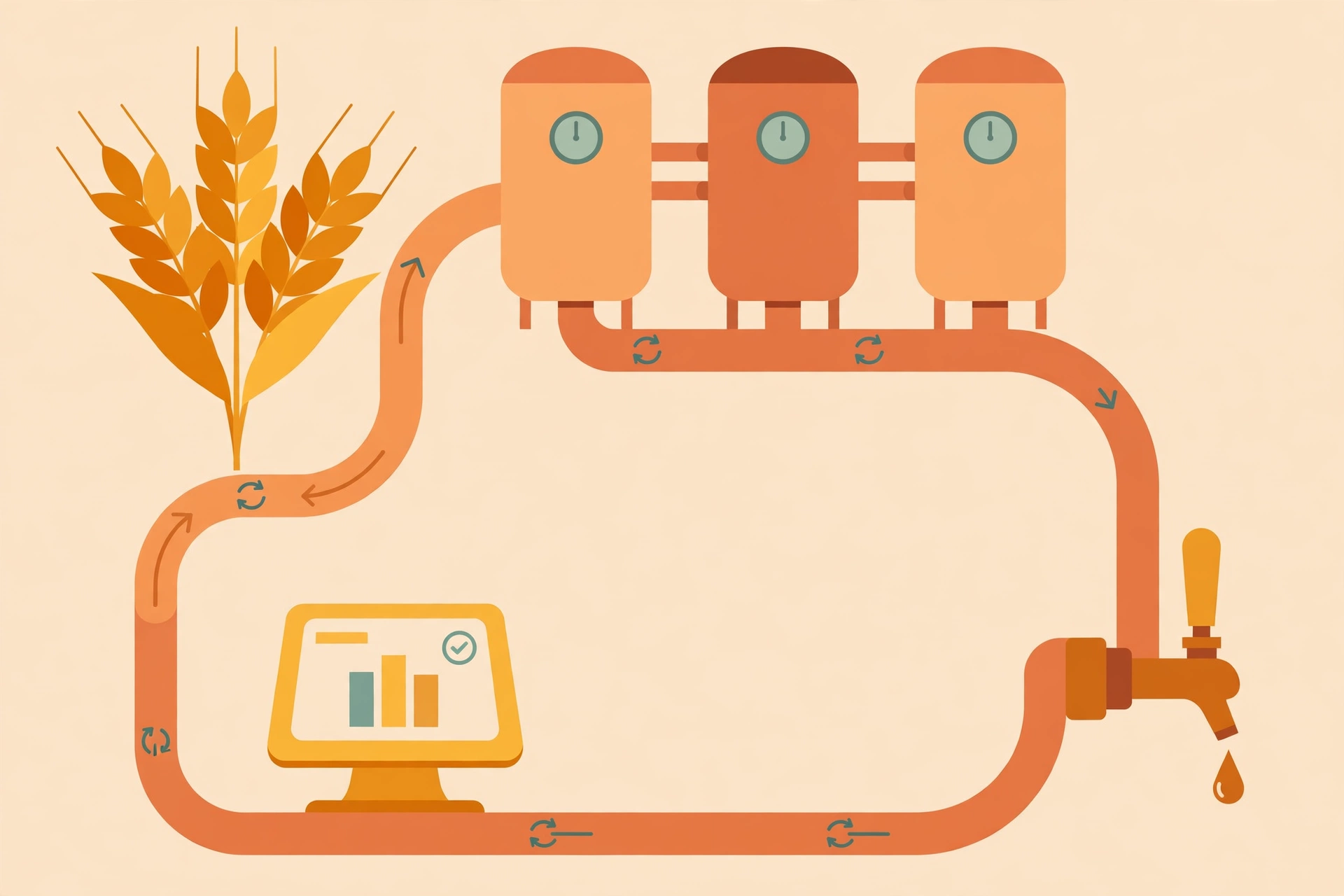
The ranking followed the loop: grain-to-glass inventory tracking first, production scheduling and fermentation visibility second, TTB reporting third, and taproom feedback fourth. A tool that tracked batches perfectly but left taproom sales in a separate system lost points, because that gap is exactly where a brewery’s numbers stop adding up. Price was weighed last, and quote-only tools were not penalized for opacity alone — but they were ranked below transparent tools when the capability was comparable, because a brewery cannot budget for a mystery. That is why Ekos leads despite its quote-only pricing: it is the only tool that closes the loop in one system.
The same loop logic applies beyond beer. Appointment-driven businesses face the same scheduling-versus-payments tradeoff covered in our guide to the best AI tools for salons and spas, and service businesses that live or die by the booked calendar will recognize the deposit problem in our guide to the best AI tools for landscaping businesses. For the taproom side specifically — menus, ordering, and guest experience — our guide to the best AI tools for cleaning companies covers the field-service scheduling angle: whichever production tool you pick, confirm before buying how taproom sales flow back into it.
Before You Buy: Run the One-Batch Test
Pick one batch you have already brewed. Follow it from grain delivery to the last taproom pint: grain received, grain consumed, batch fermented, beer packaged, kegs delivered to the taproom, pints sold, keg returned empty. Buy the tool that completes that walk without opening a spreadsheet. If a vendor’s demo cannot do it live with your numbers, that is your answer — no feature list compensates for a loop that breaks at the taproom door. And if you are still small enough that Beer30 Lite or Fermentable completes the walk, buy the cheaper tool now; you can graduate to Ekos when distribution, not production, becomes the bottleneck.



1 comment