How to Use ChatGPT for Coding: 12 Practical Prompts for Beginners
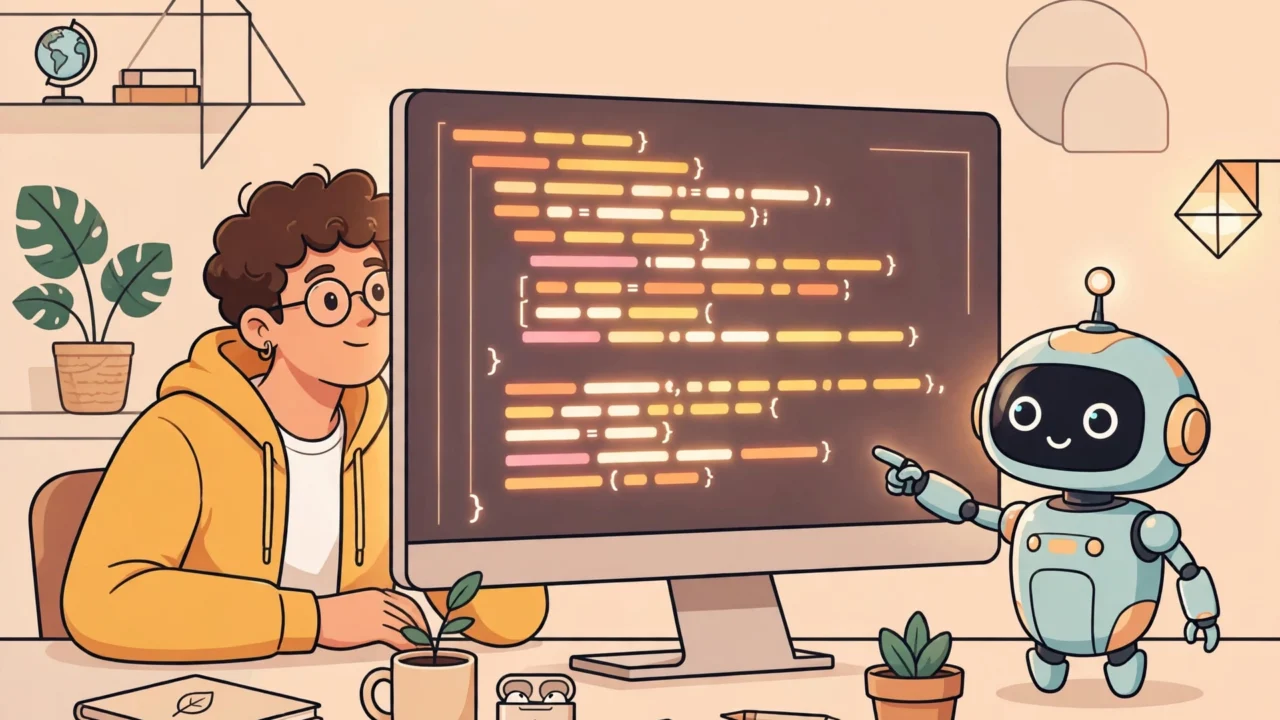
If you are learning to code, you have probably heard that ChatGPT can help. But staring at an empty chat box and typing “help me code” will not get you very far. The trick is knowing what to ask and how to ask it.
This guide gives you 12 copy-paste prompts organized by task, plus a self-test quiz and answers to common questions. Whether you are debugging your first Python script or trying to understand a confusing JavaScript snippet, you will leave with practical techniques you can use today.
How ChatGPT Actually Helps With Code
Think of ChatGPT as a very patient senior developer sitting next to you — one who has read enormous amounts of code and documentation, and never gets tired of your questions.
In simple terms, ChatGPT predicts what text or code should come next, based on patterns learned from huge amounts of public writing and code. It does not “understand” your program the way a compiler does, and it cannot run anything. But because it has seen so many examples, it is remarkably good at four jobs:
- Explaining — translating cryptic error messages and confusing syntax into plain language.
- Drafting — producing a first version of a function from your description, like a rough sketch you refine.
- Debugging — spotting common mistakes, because it has seen the same bug patterns countless times before.
- Teaching — answering “why” questions at exactly your level, as many times as you need to ask.
Think of it as a calculator for coding questions: it removes friction so you can focus on understanding — but it never replaces learning. Use it to remove friction, not to skip thinking.

Quick Setup: What You Need
Getting started takes about two minutes:
- Go to chat.openai.com and create a free account.
- Start a new chat. The free version is enough for everything in this guide.
- Pick one coding problem or question you are working on right now.
Build one habit early: always paste your actual code. ChatGPT cannot see your screen or files — the more context you give, the better the answer.
A useful format for most coding questions is:
- What you are trying to do (one sentence)
- Your code (pasted in a code block)
- What went wrong (the error message or unexpected behavior)
Now the prompts — think of each as a recipe: better ingredients (context) mean better results.
12 Practical Prompts for Coding
Debugging
1. Find the bug in my code
“This Python code is supposed to calculate the average of a list of numbers, but it crashes. Here is the code: [paste your code]. Here is the error message: [paste the error]. What is wrong and how do I fix it?”
This is the single most useful way beginners use ChatGPT for coding. Think of it like visiting a mechanic: describing the strange noise leads straight to the problem, while “my car is broken” gets you nowhere. Always include the error message — it tells ChatGPT exactly where to look.
Worked example. A student’s temperature-converter crashes whenever they type a number. A strong prompt: “This script should convert Celsius to Fahrenheit, but it crashes when I type a temperature. Here is the code: [code]. Here is the error: [error]. What is wrong?” With the goal, code, and exact error included, ChatGPT can point to the real cause — input() returns text, not a number.
2. Explain why this error happens
“I keep getting ‘TypeError: can only concatenate str (not int) to str’ in Python. Explain in simple terms what this error means and show me two ways to fix it.”
Instead of just getting a fix, you learn the concept behind the error. Next time you see a TypeError, you will recognize the pattern yourself.
Explaining Code
3. Explain this code line by line
“Explain what this JavaScript code does, line by line, as if I am a complete beginner: [paste code]”
This is perfect for code copied from a tutorial that works but you do not understand. Every line you truly understand becomes a tool you can reuse in your own projects.
4. Explain with an analogy
“Explain what a Python dictionary is using a real-world analogy, then show a tiny example.”
Analogies make abstract concepts stick. A dictionary is like a labeled filing cabinet: you find things by label (the key) instead of position. Ask for an analogy whenever a definition alone does not click.
Writing Functions
5. Write a function from a description
“Write a Python function called
is_palindromethat takes a string and returns True if the string reads the same forwards and backwards. Include a short docstring.”
Be specific about the function name, inputs, and outputs. A vague request like “write me a sorting function” is like telling a taxi driver “take me somewhere nice” instead of giving an address.
6. Write the same thing in another language
“I know how to write a for loop in Python. Show me the equivalent in JavaScript, and point out the syntax differences.”
Your existing knowledge becomes a scaffold, so you are translating rather than starting from zero.
7. Generate starter code with comments
“Write a Python script that reads a CSV file and prints the number of rows. Add comments explaining each step for a beginner.”
Asking for comments turns generated code into a mini-lesson. Read every comment, then try deleting the code and rewriting it from the comments alone.
Learning Concepts
8. Compare two confusing concepts
“What is the difference between
==andisin Python? Give a simple example where they behave differently.”
Beginners constantly mix up similar-looking concepts. A side-by-side comparison with an example clears them up fast.
9. Quiz me
“Quiz me on Python loops. Ask me one question at a time, wait for my answer, then tell me if I am right before asking the next one.”
This turns ChatGPT into a patient tutor. Self-testing — known as “active recall” — makes knowledge stick far better than re-reading notes.
Code Review and Refactoring
10. Review my code
“Review this Python function for readability and best practices. Suggest improvements but keep it beginner-friendly: [paste code]”
Getting feedback early builds good habits before bad ones set in — like a coach correcting your form before it becomes muscle memory.
11. Make it more efficient
“This function works but feels slow on large lists: [paste code]. Can you show me a more efficient version and explain why it is faster?”
You will pick up ideas like list comprehensions naturally, in the context of your own code — exactly when you need them, which makes them memorable.
Generating Test Cases
12. Write test cases for my function
“Write three test cases for this function, including one edge case: [paste code]”
Testing is a skill most beginners skip. Even simple test cases teach you to think about what could go wrong — empty inputs, huge numbers, unexpected types.
Tips for Better Results
These six habits will dramatically improve the answers you get:
Be specific. Weak: “Fix my code.” Strong: “Fix the IndexError on line 14.” Specificity is the highest-leverage prompting skill.
Give it a role. Start with “Act as a Python tutor for beginners.” A role sets the tone and depth of the whole conversation.
Share the full error. Copy the entire error message, not just the last line. The traceback shows the path the program took before crashing.
Ask for explanations, not just answers. Add “explain why” to any prompt: fixes keep you dependent, understanding makes you independent.
Iterate. The first answer is a starting point. Follow up with “now make it handle empty input” or “explain the third line in more detail.” Conversations beat one-shot questions.
Specify your level. Add “explain like I am a beginner” and ChatGPT will avoid jargon you have not met yet.
Prompt Quality Checklist
Before you hit send, run through this checklist:
- [ ] I stated my goal in one clear sentence
- [ ] I pasted the actual code, not just a description of it
- [ ] I included the full error message (if there is one)
- [ ] I mentioned what I already tried
- [ ] I specified my level (“explain like I am a beginner”)
- [ ] I asked “why”, not just “fix it”
Limitations You Should Know
ChatGPT is a powerful assistant, but it is not a replacement for learning. Keep these limitations in mind:
It can be confidently wrong. ChatGPT sometimes invents functions or libraries that do not exist. Always run the code and verify it works.
Its knowledge has a cutoff. Very new libraries or language features may not be covered — check the official documentation for those.
It cannot run your code. ChatGPT reasons about code but does not execute it. You are still responsible for testing everything in your own environment.
It can make you lazy. Copy-pasting answers without understanding leaves you helpless without AI. Use it as a tutor, not a crutch — if you cannot explain the code in your own words, you do not understand it yet.
Test Yourself
Try these three questions before you move on. Click each one to reveal the answer.

1 comment